

Table of Contents
- What 3D Workflow Automation Actually Does
- Why Automation Matters for 3D Artists
- 3D Pipeline Automation Scripts That Save Time
- Best Practices for 3D Asset Management
- Blender to DAZ Studio Workflow Integration
- Choosing the Right Automation Tools for Your Workflow
- Frequently Asked Questions
Last Updated: October 2, 2026
What 3D Workflow Automation Actually Does
3D workflow automation is the process of using specialised tools and scripts to handle repetitive technical tasks in your creative pipeline, freeing you to focus on the actual design work. Rather than manually installing assets, transferring rigs between software, or managing file hierarchies, automation tools execute these steps automatically with a single command or click.
For artists juggling DAZ Studio, Blender, and Photoshop simultaneously, this matters enormously. A typical workflow involves importing third-party assets, adjusting rigs to match your project requirements, maintaining layer fidelity across software, and organising sprawling asset libraries. Each of these tasks consumes hours per week. Automation compresses that time dramatically.
The core value isn’t speed alone, it’s consistency. Manual processes introduce human error. A rig might transfer incorrectly. Layer ordering might shift. File paths might break. Automated workflows execute the same steps identically every time, reducing mistakes and rework.
Why Automation Matters for 3D Artists
The creative industry runs on time pressure. Freelancers bill by the hour. Studios juggle multiple projects simultaneously. Every minute spent on technical setup is a minute not spent on creative work, the part that actually generates revenue and satisfaction.
Consider asset management. A serious 3D artist accumulates thousands of models, textures, and rigs across multiple marketplaces and custom libraries. Finding the right asset, installing it correctly, and integrating it into your current project takes significant effort without proper tooling.
Automation flips that ratio. When installation, rigging, and layer management happen automatically, you reclaim that time for actual artistic work. The financial impact compounds over months, more billable hours, faster project turnaround, higher output quality.
Beyond time savings, automation reduces creative friction. When switching between DAZ Studio and Blender feels seamless rather than laborious, you’re more likely to use both tools effectively. When layer fidelity transfers perfectly from Photoshop to Blender, you stop avoiding complex workflows. The technical barrier dissolves.
3D Pipeline Automation Scripts That Save Time
Several categories of automation scripts address specific bottlenecks in 3D workflows. Understanding what each type does helps you identify which tools suit your pipeline.
Asset Installation Automation handles the most time-consuming task for many artists: getting third-party content into your software. Rather than manually downloading, extracting, and placing files into the correct directories, a universal installer reads your asset library structure and deploys everything automatically. This is particularly valuable if you work with content from multiple marketplaces, each has different folder structures and naming conventions, and manual sorting becomes chaotic quickly.
Rig Bridge Scripts solve the integration problem between DAZ Studio and Blender. These tools translate rig data from one software’s format to another, preserving bone hierarchies, weight maps, and animation constraints. Without them, transferring a complex character rig means rebuilding it manually in Blender, a process that can take days. With automation, the transfer completes in minutes with full fidelity maintained.
Layer Preservation Tools address a persistent frustration for digital concept artists: Photoshop layer structure often collapses when importing into Blender. Automation tools map layer order, blend modes, and opacity settings so your 2D composition translates accurately into 3D space. This eliminates the need to manually recreate layer hierarchies in Blender.
Library Management Scripts organise sprawling asset collections automatically. Rather than manually tagging, categorising, and indexing thousands of assets, these tools read metadata and build searchable databases. Finding the exact outfit, prop, or character variant becomes a database query rather than a folder-hunting expedition.
At Matronius, we’ve built these automation features directly into our workflow plugins.
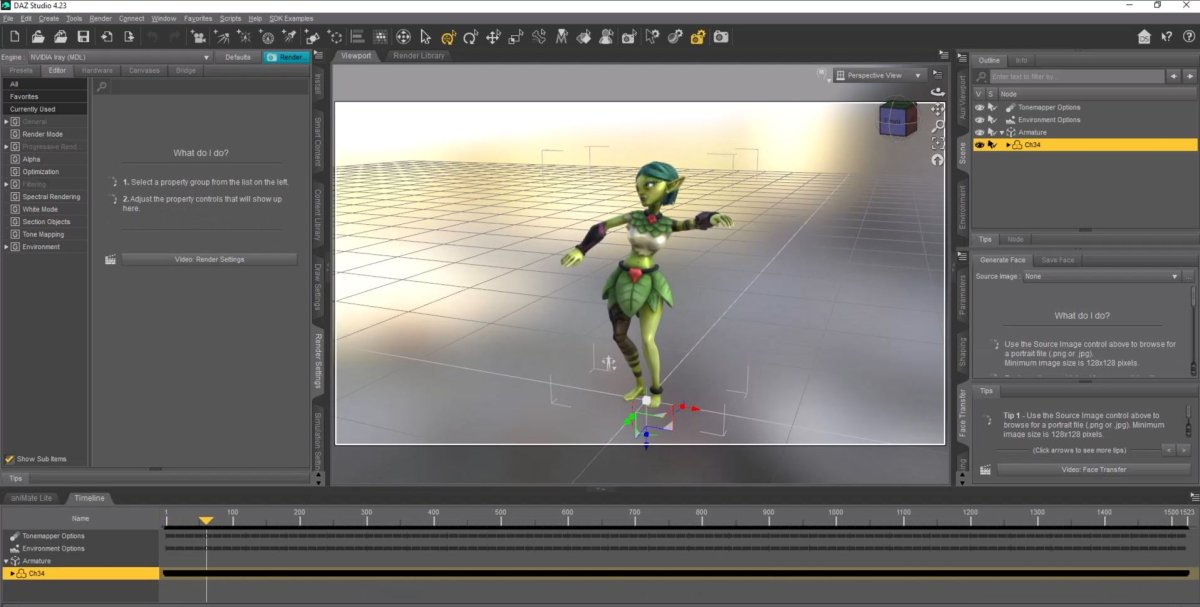
3D artist working at dual-monitor desk displaying Blender on one screen and DAZ Studio on the other, hands positioned on keyboard with 3D character models visible, modern creative workspace with soft studio lighting
Best Practices for 3D Asset Management
Effective asset management is the foundation that makes automation valuable. Even the best tools can’t salvage a chaotic library structure.
Start by establishing a consistent naming convention before your library grows too large. Asset names should include category, subcategory, and variant in a predictable order. For example: Character_Female_Sci-Fi_Soldier_V02 tells you immediately what you’re looking at, where it belongs, and which version it is. This consistency lets automation tools categorise and retrieve assets reliably.
Create a master directory structure that mirrors your naming logic. If assets are named by category, your folders should follow the same hierarchy. This redundancy seems excessive initially but prevents the chaos that emerges when files are named logically but stored randomly.
Version control matters more than many artists realise. Keep older versions of assets rather than overwriting them. Tag versions clearly so you can revert if a newer variant doesn’t work for your project. Automation tools can manage this versioning automatically if your directory structure supports it.
Document your asset metadata consistently. Include information about compatibility (which software versions the asset works with), dependencies (other assets required to use this one), and licensing (whether the asset is free, PPP-eligible, or restricted to personal use). This metadata becomes searchable when you use proper asset management tools.
Regular audits prevent library bloat. Periodically review your asset collection and remove duplicates, obsolete versions, or assets you’ve never used. A leaner library is faster to search and easier to back up.
Blender to DAZ Studio Workflow Integration
Transferring work between Blender and DAZ Studio traditionally requires extensive manual intervention. Rigs don’t translate directly. Morphs and blend shapes need rebuilding. Textures and materials require conversion. This friction discourages artists from using both tools effectively, even when each excels at different tasks.
Modern workflow integration tools bridge this gap by automating the conversion process. A character rigged in DAZ Studio can transfer to Blender with its rig structure, weight maps, and animation constraints intact. Conversely, models created in Blender can import into DAZ Studio with proper material assignments and metadata preserved.
The technical challenge lies in translating between fundamentally different architecture systems. DAZ Studio uses Genesis morphs and hierarchical bone structures. Blender uses armatures and shape keys. Direct translation isn’t possible, the tools must interpret one system’s logic and recreate it in the other’s language.
Solutions like those offered by Matronius handle this translation layer. This opens creative possibilities: you might sculpt a character in Blender’s superior modelling environment, then transfer it to DAZ Studio for rigging and animation using DAZ’s extensive character library.
The integration extends beyond single assets. Complex scenes with multiple characters, props, and lighting can transfer between software, maintaining spatial relationships and material assignments. This enables truly hybrid workflows where each tool contributes its strengths.
Choosing the Right Automation Tools for Your Workflow
Selecting automation tools requires honest assessment of your specific bottlenecks. Not every artist needs every automation category. A character animator working primarily in DAZ Studio benefits most from asset management and library organisation. A concept artist working across Photoshop and Blender prioritises layer preservation and integration tools.
Start by tracking where your time actually goes. Monitor your workflow for a week, noting which tasks consume the most hours. Common patterns emerge: asset installation, rig setup, file organisation, or format conversion. Your biggest time sink is your automation priority.
Consider your software stack. If you work exclusively in Blender, general-purpose 3D automation serves you better than DAZ-specific tools. If you bounce between multiple software constantly, integration tools become essential. Your tool selection should match your actual workflow, not an idealised version of it.
Evaluate compatibility carefully. Not all automation tools work with all software versions or asset types. Before committing, verify that a tool supports your specific DAZ Studio version, Blender build, and the asset marketplaces you use. Tools that work with some assets but fail on others create more problems than they solve.
Test with non-critical projects first. Automation tools are powerful precisely because they execute complex operations automatically, which means errors can propagate quickly across large asset libraries. Trial runs on smaller projects let you verify the tool’s reliability before trusting it with your main work.
Automation Category | Primary Benefit | Best For | Setup Time |
|---|---|---|---|
Asset Installation | Reduces manual file placement | Large asset libraries | 30 minutes |
Rig Bridges | Enables software integration | Multi-software workflows | 1-2 hours |
Layer Preservation | Maintains 2D-to-3D fidelity | Concept artists | 1 hour |
Library Management | Speeds asset discovery | Freelancers with sprawling collections | 2-4 hours |
The best tools for 3D workflow automation aren’t one-size-fits-all solutions, they’re specialised plugins that address your specific pipeline friction points.
At Matronius, we’ve built automation specifically for the workflows artists actually use: DAZ Studio libraries that need intelligent installation, Blender-to-DAZ transfers that preserve complex rigs, and Photoshop-to-Blender imports that maintain layer fidelity. Our one-click approach removes the technical barriers that interrupt creative flow. Explore our products and discover how simplified automation transforms your creative output.
Frequently Asked Questions
What is 3D workflow automation and how does it benefit freelance artists?
3D workflow automation uses scripts and plugins to handle repetitive technical tasks—asset installation, rig transfers, layer mapping—automatically. For freelancers, this means fewer hours spent on setup and troubleshooting, leaving more time for creative work. Artists managing large DAZ or Blender libraries particularly benefit, as automation tools can process thousands of assets without manual sorting.
Can 3D pipeline automation scripts really handle thousands of scattered DAZ assets?
Yes, universal installers designed for 3D asset management can process assets from multiple marketplaces and folder structures in one operation. Rather than manually sorting files, the automation identifies and organises content correctly. However, success depends on the tool’s compatibility with your specific asset types and folder layouts—testing with a subset first is sensible before processing your entire library.
How does Blender to DAZ Studio workflow integration preserve layer fidelity?
Specialised bridge tools map Photoshop layers directly into Blender whilst maintaining Z-order and transparency information. This means your layer structure, blend modes, and stacking order survive the import intact. Without this integration, artists typically lose layer data entirely, forcing manual reconstruction in Blender—a time-consuming workaround that automation eliminates.
What should I look for when evaluating 3D workflow automation tools?
Prioritise compatibility with your existing software (DAZ Studio, Blender, Photoshop versions), support quality and documentation, and whether the tool handles your specific asset types. Test with non-critical projects first. Check if the provider supports artists in your region and offers transparent pricing. Community feedback from artists using similar workflows is invaluable for assessing real-world reliability.