Simplify Your Creative Workflow

How to Install Third-Party DAZ Products, Convert Blender to DAZ Studio, and Import Photoshop Layers to Blender? Matronius can help you!

Stop wasting hours on manual installation and conversion. Matronius Solutions provides one-click plugins that help you install 3DShards, Renderosity, Renderhub, Flipped Normals, and Renderotica products in DAZ Studio, convert Blender characters to DAZ Studio with full rigging, and import Photoshop layers to Blender with complete fidelity. Save 2-4 hours per project and focus on your art, not technical hassles

Blender and Daz Integration

Seamlessly connect Blender to DAZ Studio with our specialized bridge. Easily import your 3D models and enhance your creative workflow.

Daz Studio Universal Installer

Install DAZ products from any marketplace without hassle. Our universal installer simplifies the process, saving you time and effort.

Photoshop to Blender Workflow

Import full PSD files into Blender with perfect layer fidelity, Z-order, and group-to-collection mapping.

Artist Community

Join our thriving community of digital artists. Share your work, get feedback, and collaborate with others who share your passion for creativity.

500+ digital artists trust Matronius creative workflow plugins for Blender, DAZ Studio, and Photoshop integration
Matronius Solutions 5.0 out of 5.0 star rating badge with 14 plus customer reviews golden stars
Matronius Staff Pick award badge from Flipped Normals for Blender to DAZ Studio and Photoshop to Blender plugins with trophy icon and gold stars
Matronius 30-day performance guarantee badge with golden dragon shield and ornate frame money back assurance

What Our Customers Say

Join 500+ Artists Simplifying Their Workflow

Join our community to receive exclusive tutorials, plugin updates, workflow tips, and special offers tailored for 3D artists and digital creators.

By joining, you agree to our Terms of Use and Privacy Policy.

Latest Tutorials & Guides

Learn from our community and stay updated with the latest tips, tutorials, and product updates.


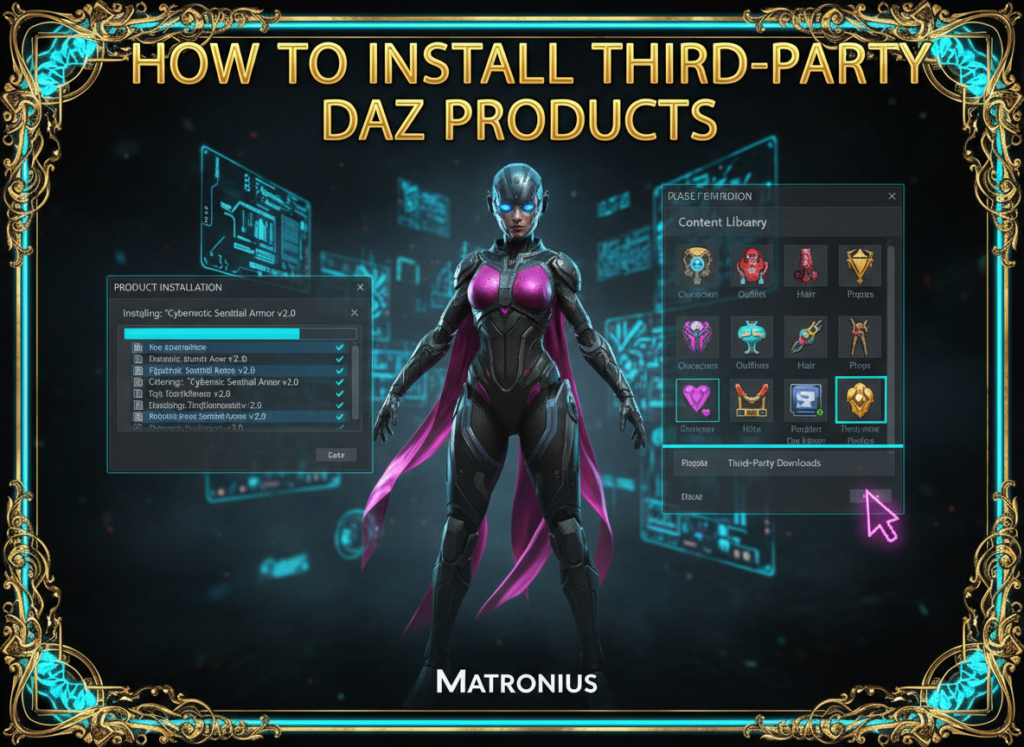
How to install third-party DAZ Studio products from Renderosity and Renderhub - step-by-step tutorial showing DAZ Studio installation interface with Smart Content integration and organized content library
Installing third-party DAZ Studio products from 3D Shards, Renderosity, Renderhub, Flipped Normals, and Renderotica is streamlined with Smart Content integration and batch installation workflows.

How to Install Third-Party DAZ Products

Installing third-party DAZ Studio products from marketplaces like Renderosity and Renderhub can be challenging without the right tools. Many artists struggle with manual installation, missing Smart Content integration, and disorganized libraries. Our comprehensive guide walks you through the entire process, from downloading products to organizing them in your content library. Learn the best practices for batch installation, automatic thumbnail generation, and Smart Content categorization. Whether you’re new to DAZ Studio or a seasoned professional, this tutorial will save you hours of frustration and help you build an efficient, organized workflow for all your third-party content.


December 17, 2025 • By Matronius

Reach Out to Us

Find Us and Connect with Us

We’re here to assist you. Get in touch with any questions or feedback.

Email Us

Send us your inquiries anytime.

Message Us

Text us on Whatsapp.

Our Office

Cardrew House, Cardrew Industrial Estate, Redruth,, TR15 1SP, United Kingdom.

Connect

Follow us on social media for updates.

Scroll to Top