






See it in use
The problem I kept running into
I model and rig in Blender and render in DAZ Studio. For years the bridge between the two was FBX, and FBX let me down every time. Armatures collapsed, weight maps vanished, materials arrived flat or with no textures, and animation was gone. One character could cost me three to eight hours of cleanup, and half of that was redoing work I had already done.
I couldn’t find a tool that fixed it, so I built one. It started as a repair for my own pipeline and grew with feedback from hundreds of artists. Version 3.8.63 is where it stands today.
이 제품의 기능은 무엇인가요?
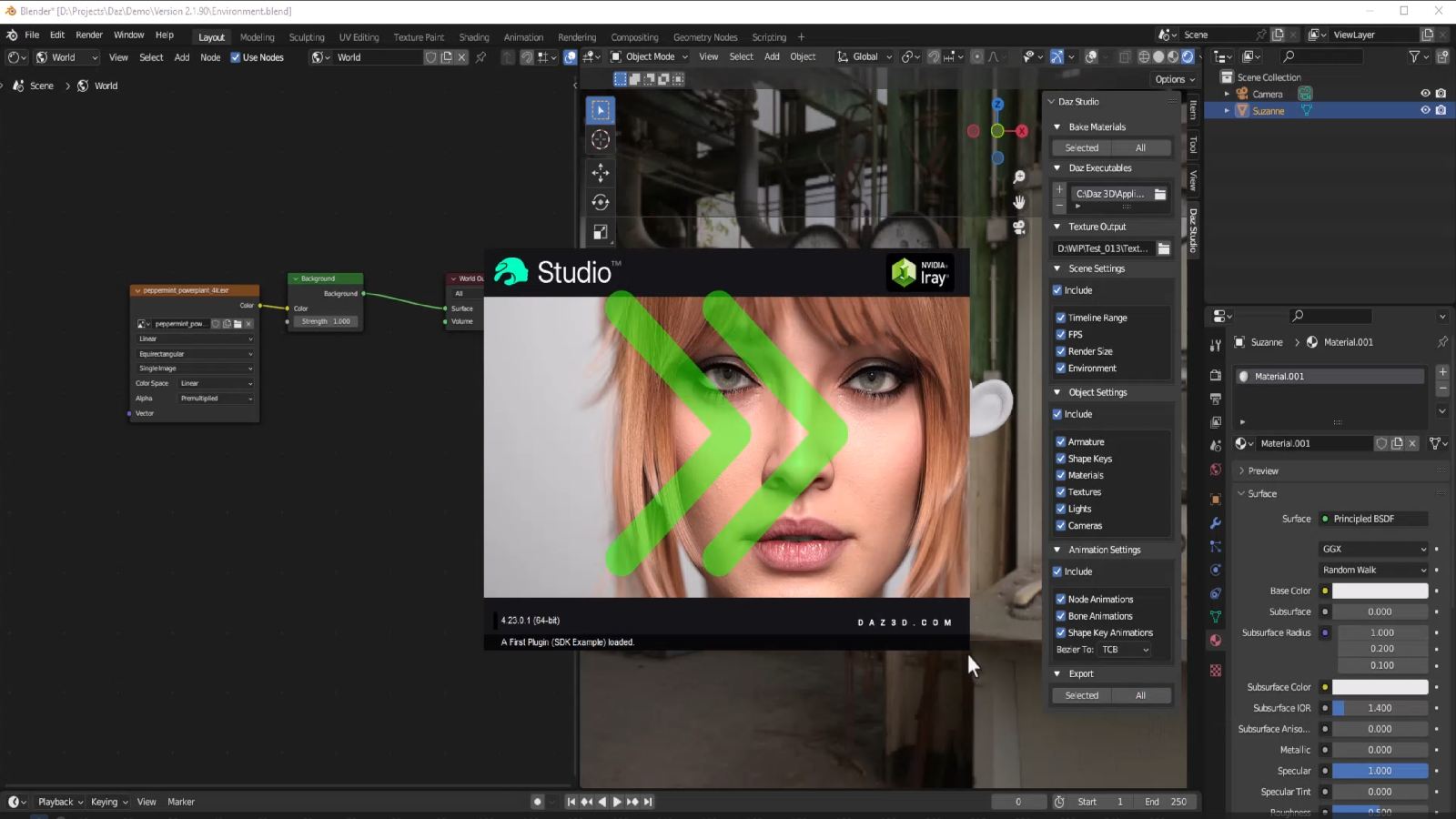
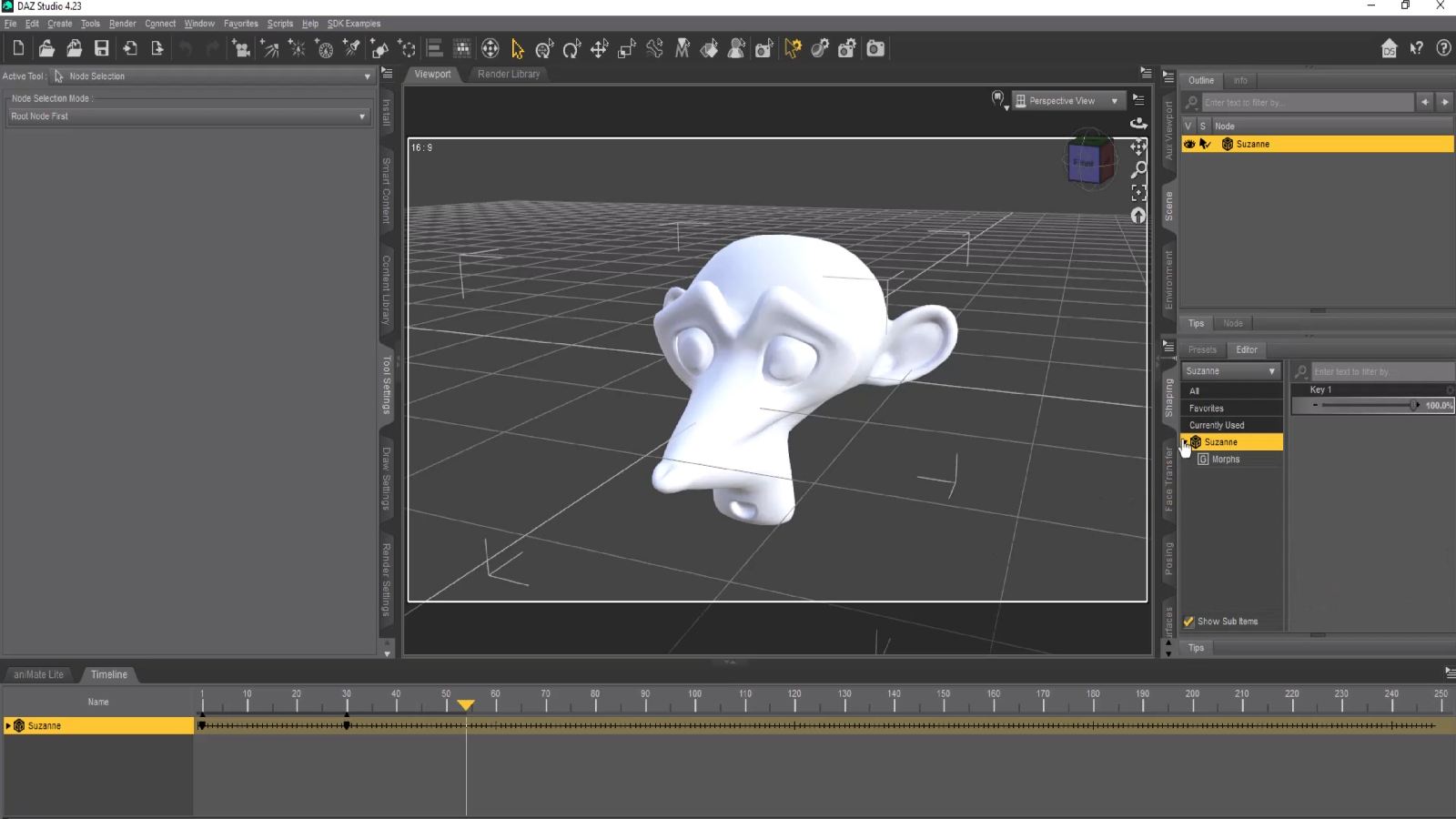
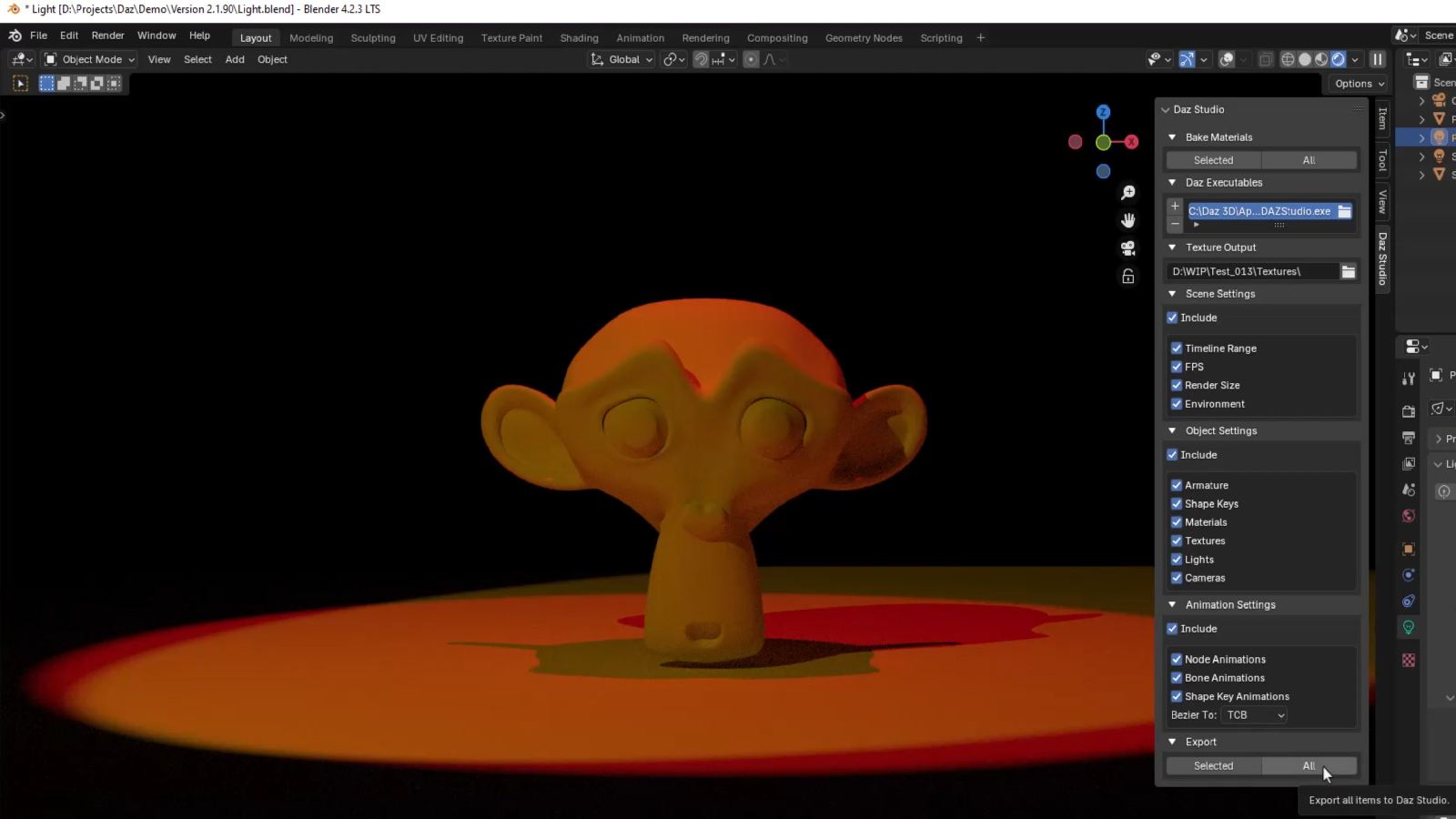
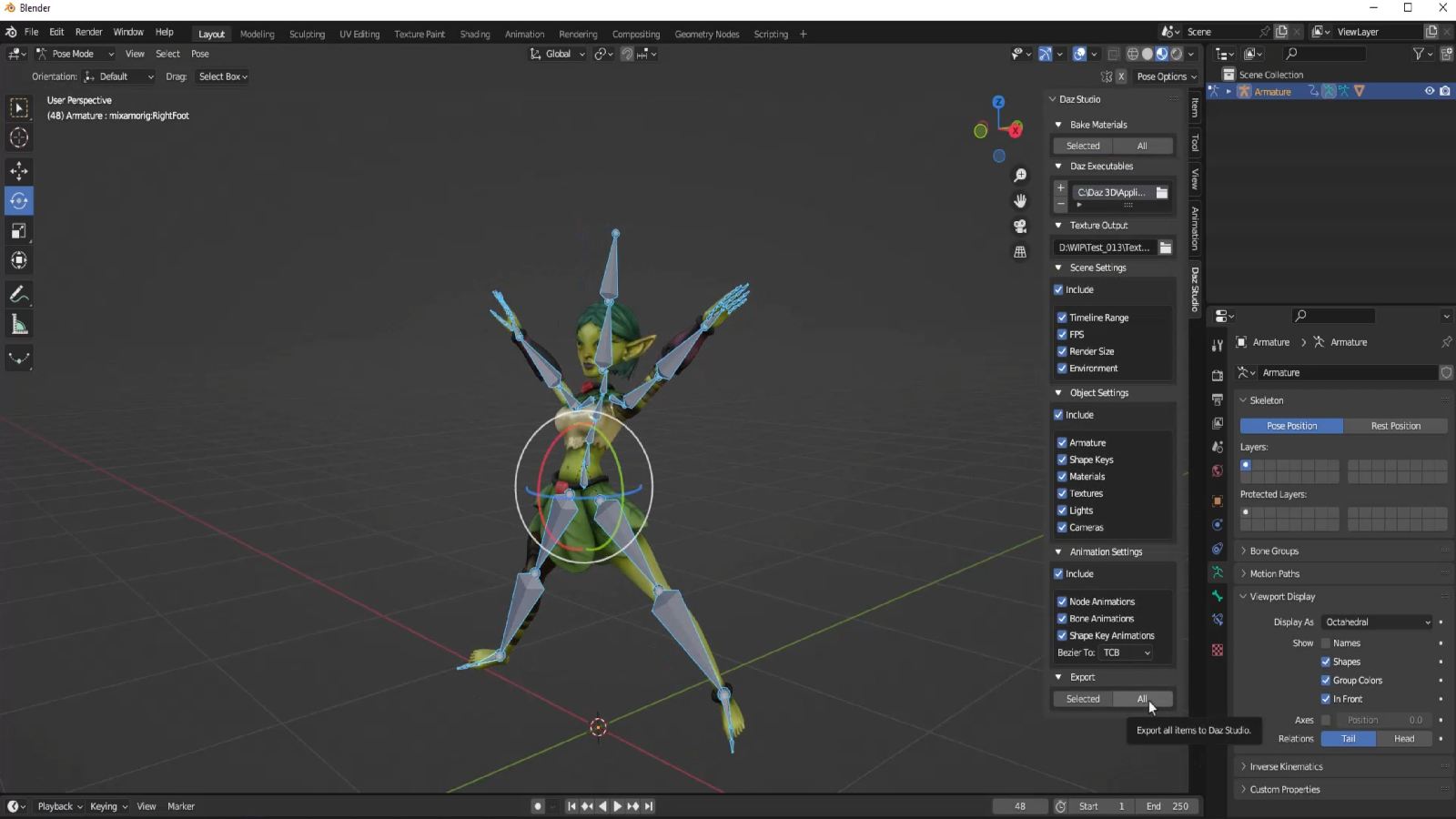
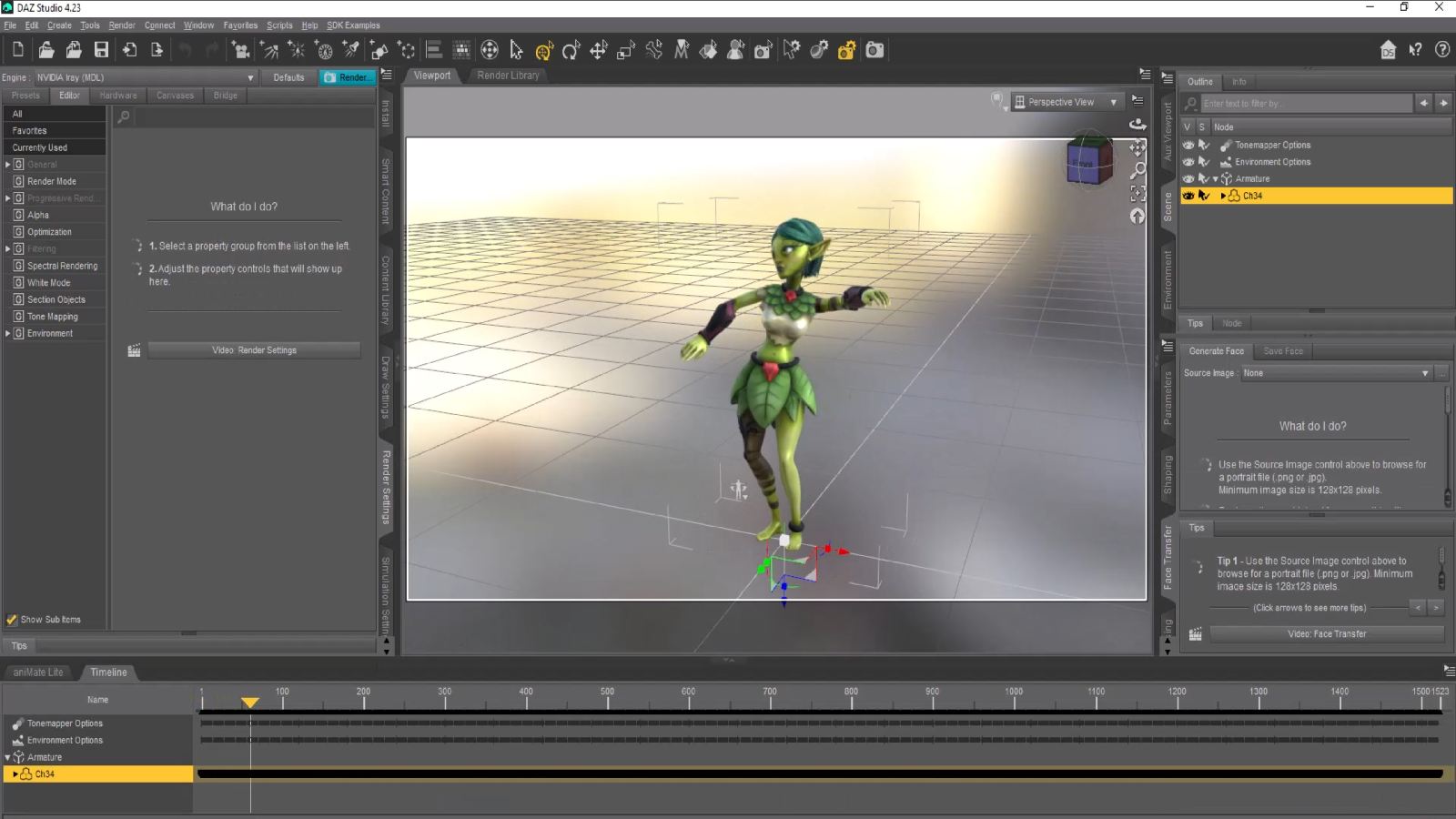
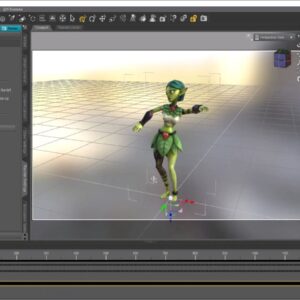
It sits inside Blender as a panel. When you’re ready, you press one button and your model arrives in DAZ Studio ready to render.
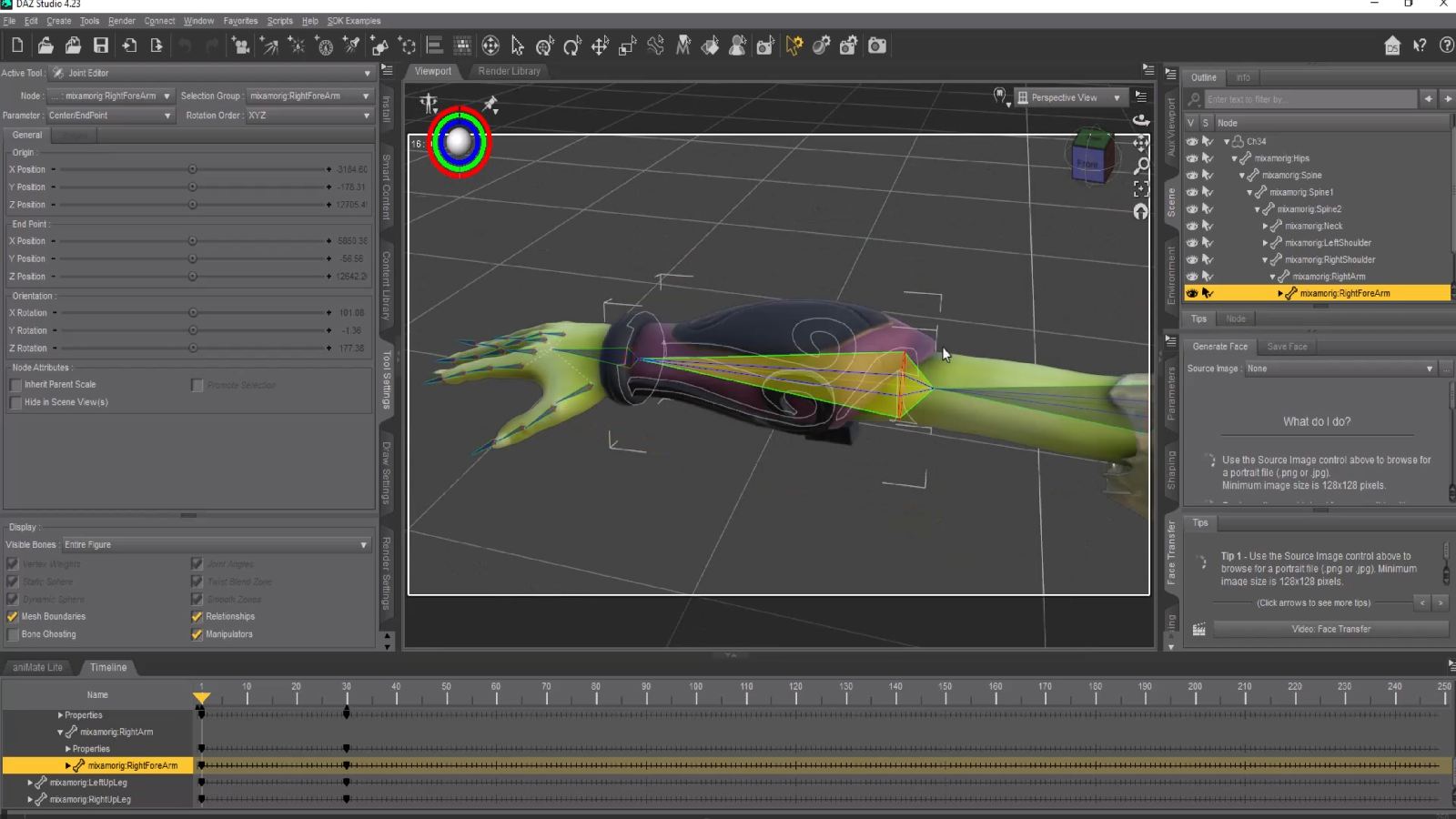
- Rigs and weights. The full bone hierarchy comes across with its weight maps, so deformation behaves the way it did in Blender. Face groups for material zones transfer too. Any custom rig works, because the plugin reads what you built.
- Materials. Every PrincipledBSDF material is converted to an Iray Uber shader with the slots mapped for you: Base Color, Metallic to Metallicity, Roughness to Glossy Roughness, Specular to Glossy Reflectivity, Transmission to Refraction Weight, Emission to Emission Color and Luminance, Normal, and Alpha to Cutout Opacity.
- Animation. Keyframes, skeletal animation and shape keys export without baking first. Shape keys become DAZ Studio morphs, and timing and interpolation are kept.
- Whole scenes. Several objects at once, with lights, camera and HDRI environment maps (rotation included). You can limit the export to the active view layer.
- Hair. Hair particles export as polylines that DAZ Studio’s hair system reads. Geometry node hair works too.
- Settings. Frame range, frame rate and render size carry over.
Small things that save time
- Merge Textures. Bakes a complicated shader network down to simple texture maps, at the width and height you choose.
- Scale as Percent. For when Blender and DAZ Studio units don’t line up.
- Save prompt. Before every export it asks you to save your .blend file. I added it after a crash cost me an afternoon.
- Clear DAZ Scene. Start each import from an empty scene instead of stacking objects.
- Progress bar. So you know it hasn’t frozen. Large scenes import about 3x faster than a standard FBX workflow.
What it doesn’t do
Direct export to Genesis 3, 8 or 9 figures is not supported. The plugin is built for custom rigs and armatures. If your main goal is to move a Genesis character out of Blender, this is the wrong tool for that job.
Blender 5 is not supported at the moment. For custom characters, props, environments, vehicles, creatures, clothing, equipment and scenes, it works. If you’re not sure your workflow is covered, email me before you buy and I’ll tell you honestly.
Requirements
- Blender: 3.6, 4.0, 4.1, 4.2, 4.3 and later (not Blender 5 at present)
- DAZ Studio: 4.23 and later
- Operating system: Windows 10/11 and macOS
- Materials: PrincipledBSDF (Blender) to Iray Uber (DAZ Studio)
- File format: native .blend to .duf
포함 내역
- Plugin: DAZ Studio 플러그인 v3.8.63에 대한 블렌더
- Documentation: a full PDF guide
- Tutorials: a video series on YouTube
- Updates: free for 12 months after purchase
- Support: email support, with a reply target of 3 working days
- Community: access to the Matronius Discord
- License: one person, up to two computers
30일 성능 보장
If the plugin has a reproducible technical problem that stops it working as described on a supported system, tell me within 30 days of buying. Send your system details, your Blender and DAZ Studio versions, the error messages and the steps to reproduce it. If we can’t fix it within 7 days of receiving that information, you get a full refund. The full conditions are in the 서비스 약관. I use this tool in my own production work, so if it fails for you, I want to know why.
From me
More than 500 artists use this plugin and it holds a 5.0 rating across its reviews. I read every piece of feedback and it shapes every update. If you have a question, write to me at gio@matronius.com.
Gio from Matronius



리뷰
아직 리뷰가 없습니다.