








The problem
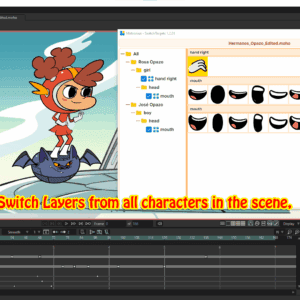
Moho’s Switch Selection window works on one layer at a time. To change an expression you stop, find the layer, swap the shape, and then repeat the whole thing for every limb, prop and character in the scene. It breaks your flow, and it makes lip-sync slower than it needs to be.
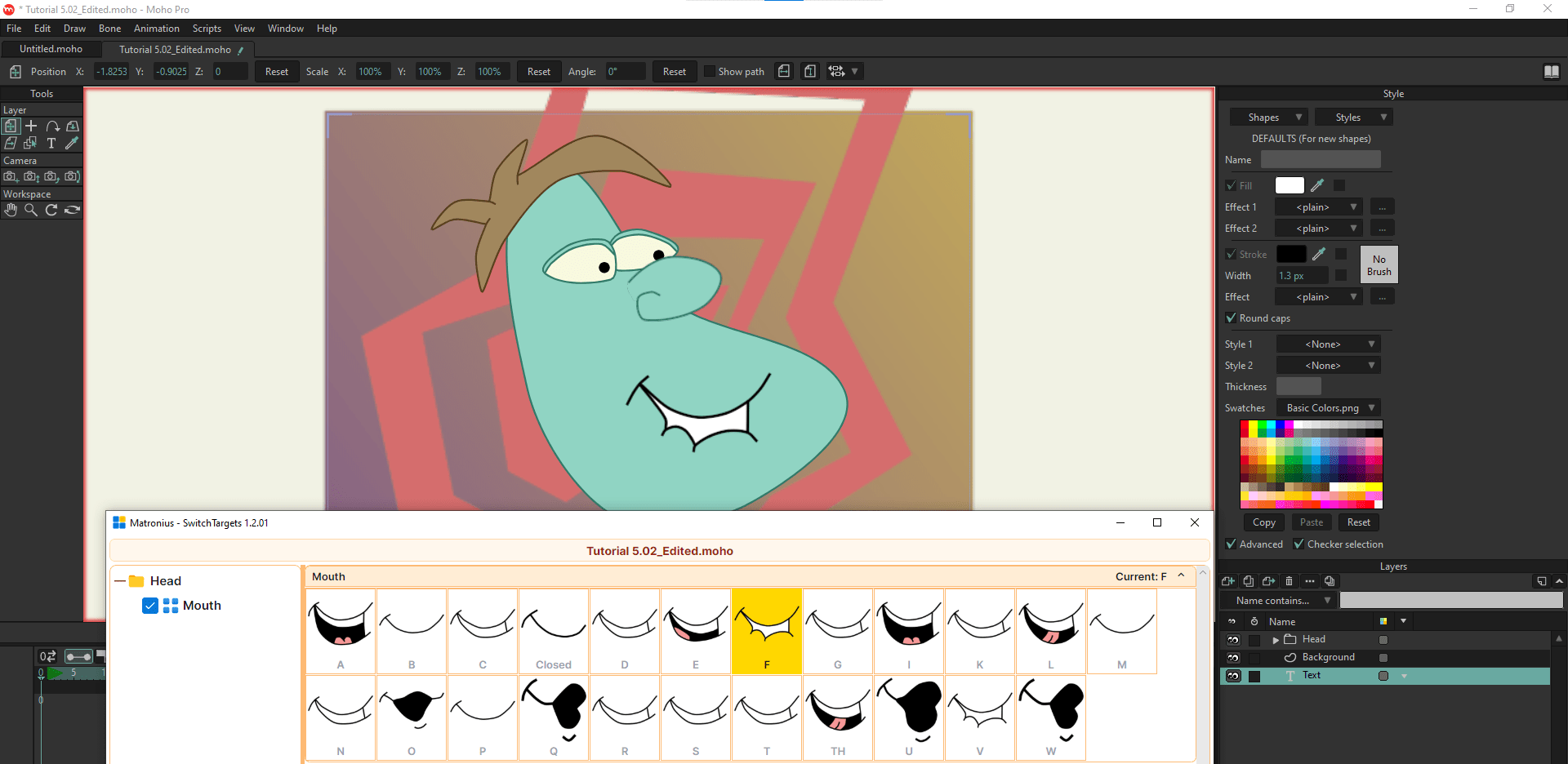
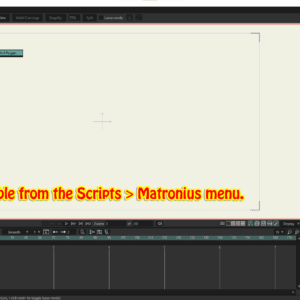
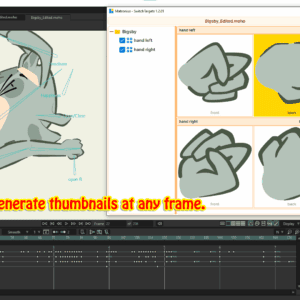
SwitchTargets pulls every Switch Layer in your active scene into one panel, so you stay on the timeline and keep animating.
What it does
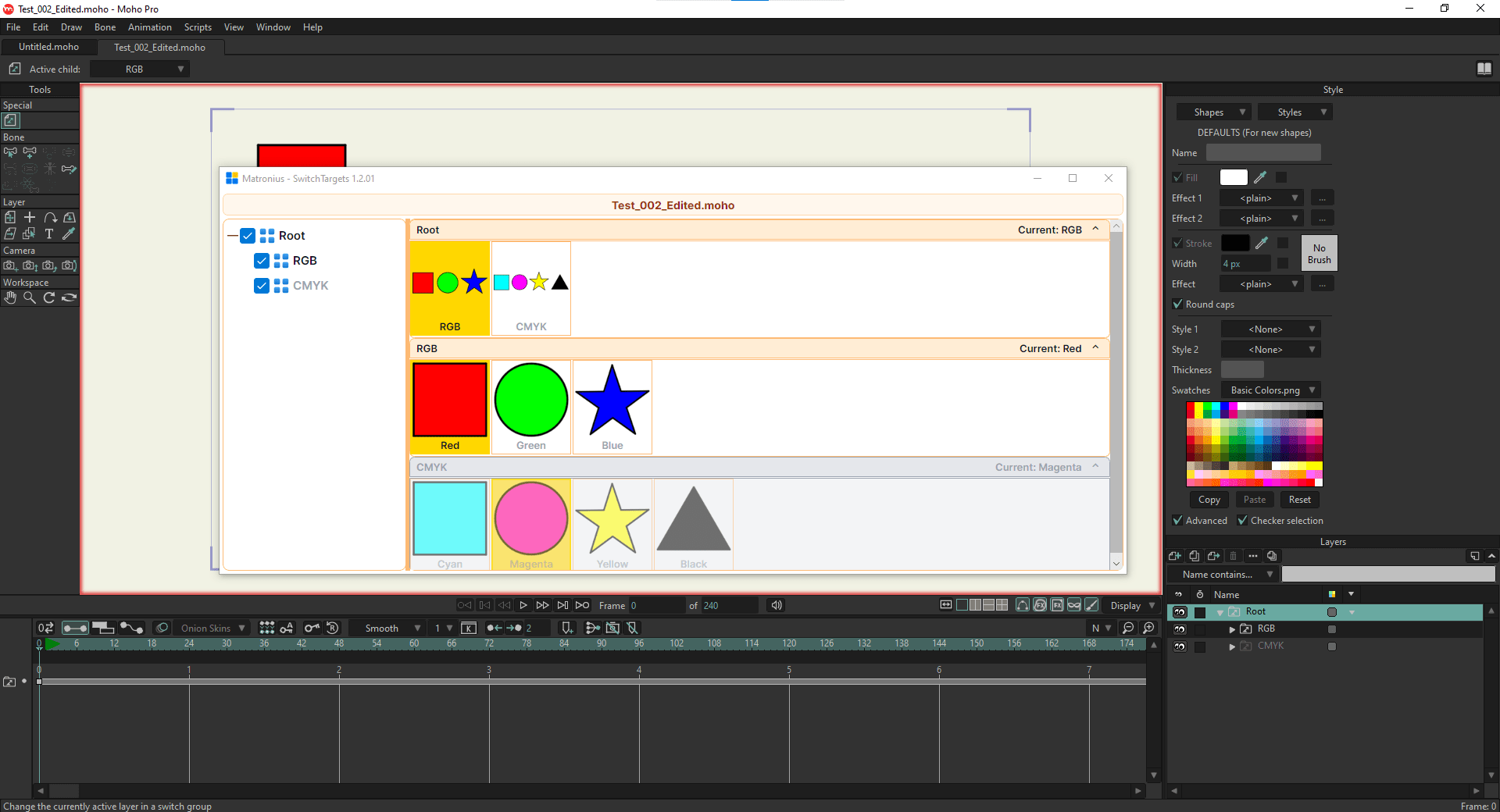
- One panel for the scene. Every Switch Layer in your project appears automatically. Preview and trigger any of them from there.
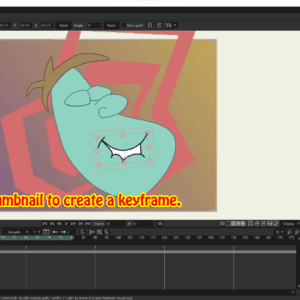
- Several characters at once. Drive lip-sync, eye blinks, hand gestures and prop swaps across your whole cast without leaving your place on the timeline.
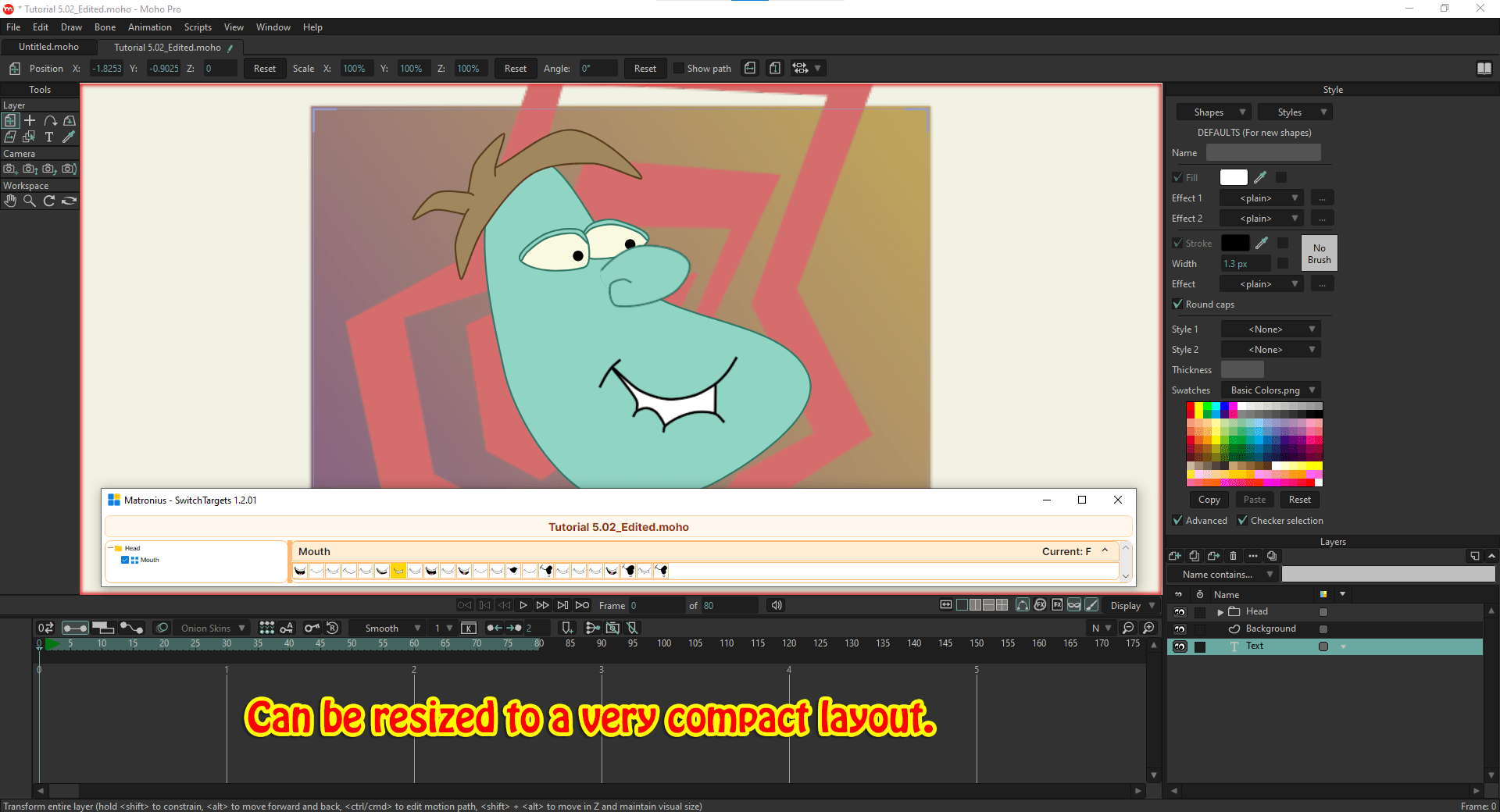
- A panel that moves with you. Resize it, float it anywhere, or move it to another monitor.
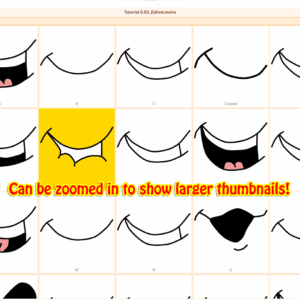
- Thumbnail zoom. Scale previews up when you need accuracy, or down to fit more controls on screen.
- Collapsible folders. Fold away the parts of the rig you’re not using and keep the workspace tidy.
Requirements
- Software: Moho Pro 14 or later
- Operating system: Windows 10/11 and macOS
What’s included
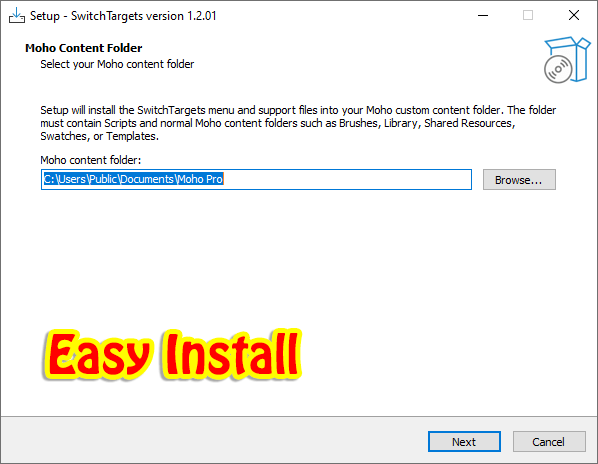
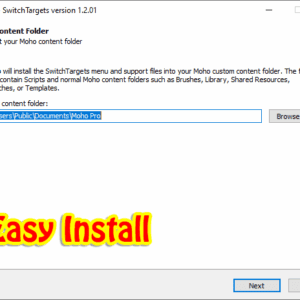
- Script: the installation files
- Readme: setup instructions
- Guarantee: a 30-day performance guarantee
See it in use
From me
Matronius builds tools that fix the slow parts of an animator’s day. SwitchTargets is for the moment you’re tired of layer-jumping and want your time back for the animation itself. If you have a question or a feature idea, write to me at gio@matronius.com.
Gio from Matronius


Đánh giá
Hiện chưa có đánh giá nào.