




Why I built it
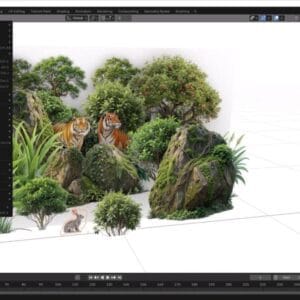
I draw in Photoshop and build, animate and render in Blender. Getting artwork from one to the other was always the slow part. The usual route was to export every layer as a PNG, import them one by one, position each piece by hand and rename everything, because the file names meant nothing by the time they arrived. A complex PSD could take an hour. If you changed anything in Photoshop, you started over.
I looked for a proper import tool and there wasn’t one, so we built it. Version 2.0.05 comes from two years of changes based on what artists told us.
Hva den gjør
The plugin runs inside Blender. Point it at your PSD, click Import, and your Photoshop document becomes a Blender scene.
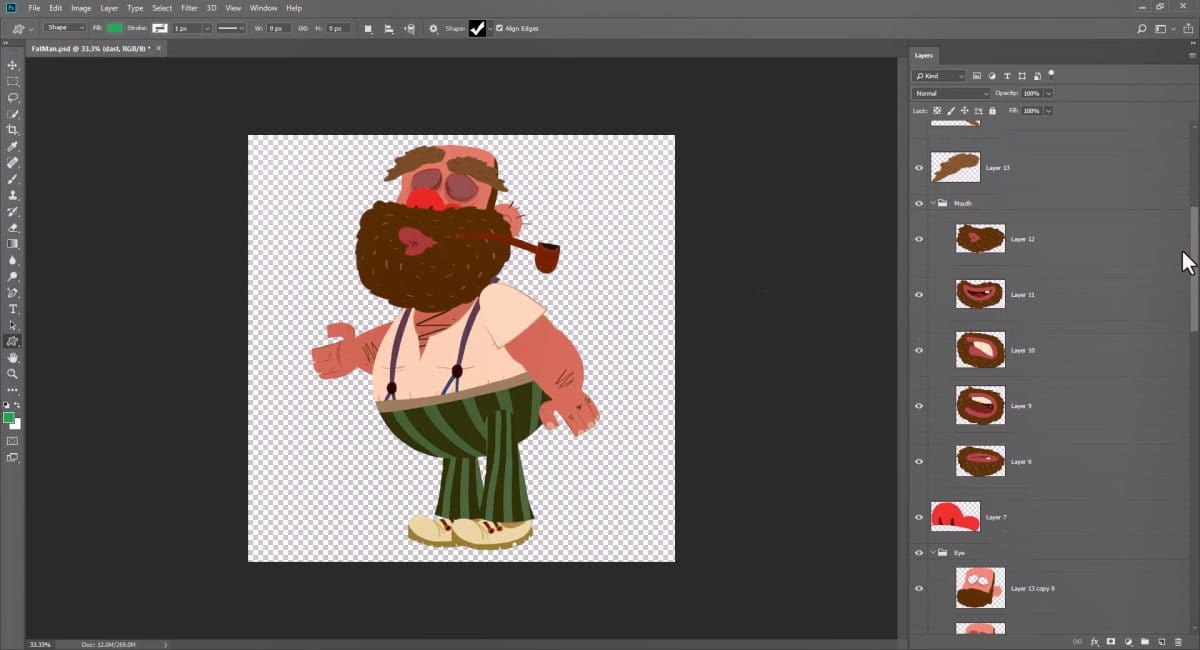
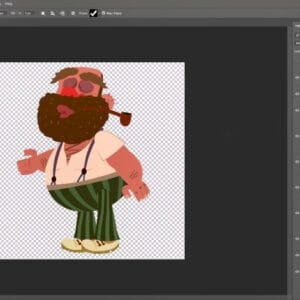
- Layers. Every layer arrives as its own object, placed exactly where it sat in Photoshop. Pixel, adjustment and shape layers all come through.
- Order. Your layer order is kept, so the Z-depth in Blender matches the stack you built.
- Groups. Photoshop groups become Blender collections. A Mouth group, an Eye group and a Background group stay exactly that.
- Names. LEye stays LEye and Layer 13 stays Layer 13. With dozens of objects in a scene, real names are the difference between working and hunting.
- Shape layers. They import as Blender geometry, editable and correctly sized for your canvas. No rasterising and no quality loss.
- Position. If the eyes sit in the upper third of the canvas in Photoshop, they sit there in Blender. Nothing needs repositioning.
What you can do once it’s in Blender
- Animate each layer on its own: open a mouth, blink an eye, move a character.
- Add depth and parallax to flat illustration.
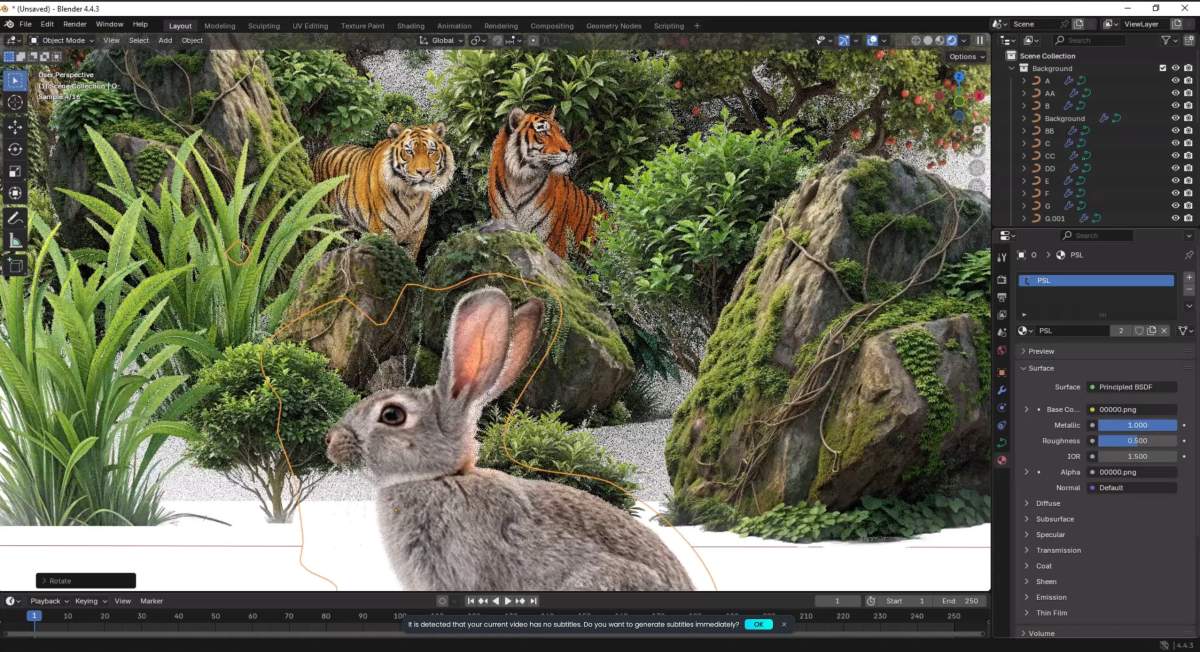
- Light and shoot your artwork with Blender’s camera and lighting.
- Rig illustrated characters for 2D animation with Blender’s armatures.
- Composite 2D and 3D elements in one scene.
- Render with Cycles or EEVEE at any resolution.
It suits motion graphics artists, 2D animators, game designers and illustrators who want to bring Photoshop work into a 3D pipeline without starting from scratch.
Requirements
- Photoshop: 2025 or later
- Blender: 3.6, 4.0, 4.1, 4.2, 4.3, 4.4 or later
- Operating system: Windows 10/11 and macOS
Hva er inkludert
- Plugin: Photoshop til Blender-plugin v2.0.05
- Documentation: a full PDF guide
- Tutorials: a video series on YouTube
- Support: email support with a 72-hour response time
- Updates: free for 12 months after purchase
- Community: access to the Matronius Discord
- License: one person, up to two computers
30-dagers ytelsesgaranti
If the plugin has a reproducible technical problem that stops it working as described on a supported system, tell me within 30 days of buying. Send your system details, your Photoshop and Blender versions, the error messages and the steps to reproduce it. If we can’t fix it within 7 days of receiving that information, you get a full refund. The full conditions are in the Vilkår for bruk. I use it in my own workflow, so if it doesn’t work for you, I want to fix it.
From me
This plugin exists because I needed it and nothing else did the job. If something doesn’t behave the way you expect, email me at gio@matronius.com and we’ll look at it as soon as we can.
Gio from Matronius



Anmeldelser
Det finnes ingen anmeldelser ennå.