





SwitchTargets for Moho Pro 14 (Win/Mac) By Matronius
Stop Layer-Jumping. Start Animating.
If you use Moho Pro 14 and you’ve ever lost your flow hunting through layer hierarchies just to swap a mouth shape or blink an eye — this script was built for you.
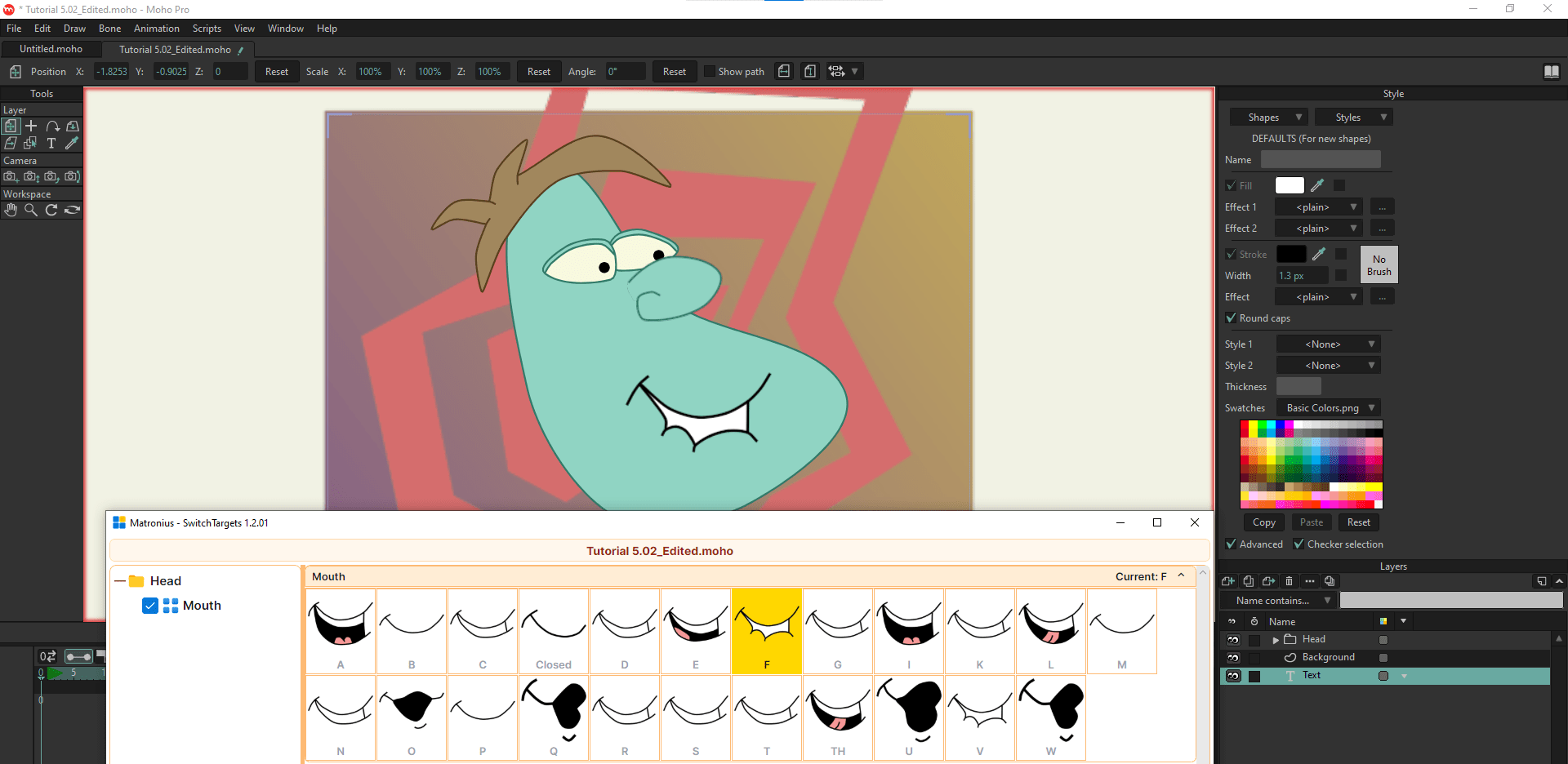
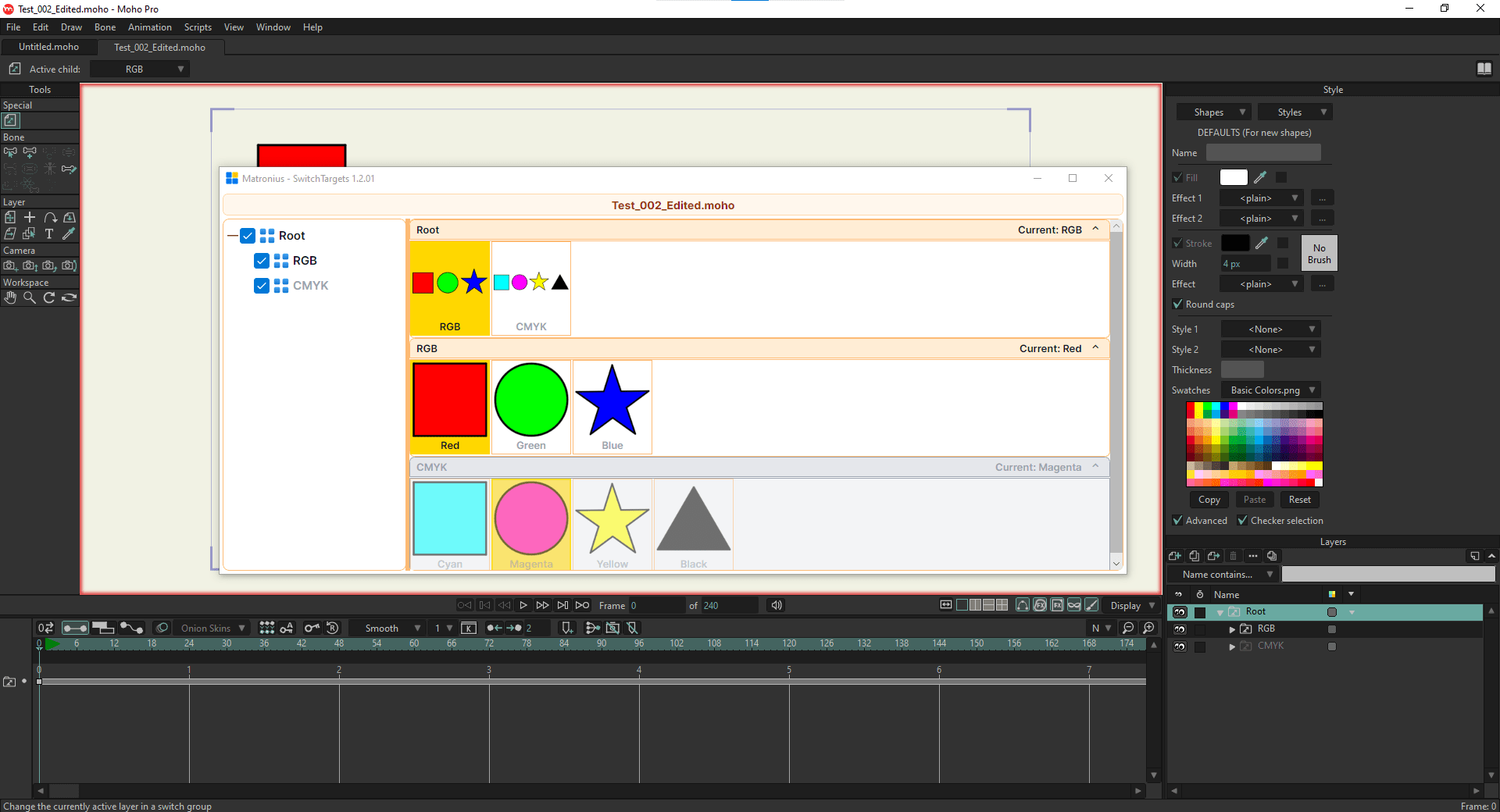
SwitchTargets collects every Switch Layer in your active scene into a single, unified control panel. One click. Full scene control. Zero interruption.
Why Moho Animators Love It
Moho’s built-in Switch Selection window forces you to work one layer at a time. Change an expression? Stop. Find the layer. Swap the shape. Repeat — for every limb, prop, and character in your scene.
SwitchTargets eliminates that bottleneck entirely. Every Switch Layer in your project surfaces automatically in one master panel. Animate lip-sync, eye blinks, hand gestures, and prop swaps across multiple characters simultaneously — without ever losing your place on the timeline.
Key Features
Unified Scene Control — Access, preview, and trigger every Switch Layer in your project from a single hub
Multi-Character Support — Drive dialogue and character interactions for your entire cast at once
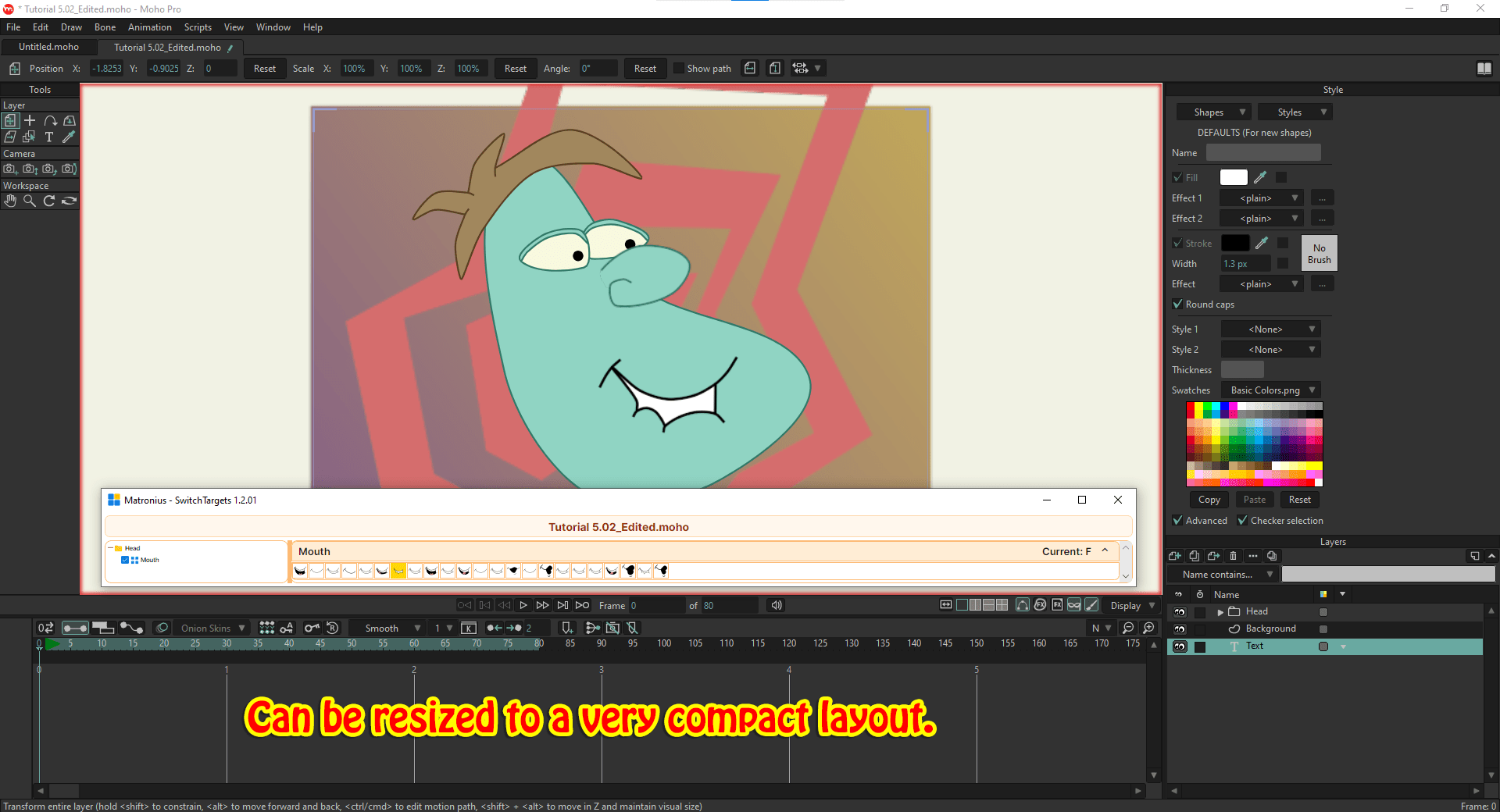
Fully Resizable & Portable — Float the panel anywhere, including across multiple monitors
Dynamic Thumbnail Zoom — Scale previews up for accuracy or down to pack in more controls
Collapsible Section Folders — Collapse inactive rig elements and keep your workspace clean
Compatibility
Moho Pro 14+
Windows 10/11 & macOS
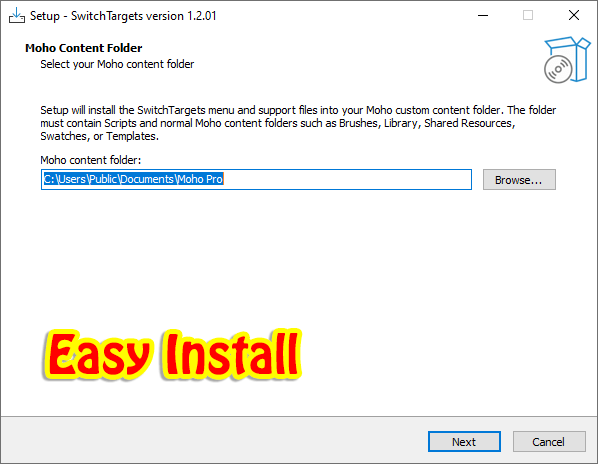
Includes script installation files and Readme
From the studio that makes tools artists actually want to use. Matronius builds workflow-first plugins trusted by 500+ creators. Rated 5.0/5.0. Backed by a 30-day guarantee.
Speed up your rig. Spend more time bringing characters to life.
By Matronius


&url=https://matronius.com/product/switchtargets-for-moho-pro-14-win-mac/&media=https://matronius.com/wp-content/uploads/2026/09/SwitchTargets-for-Moho-Pro-14-1024x1024.jpg)
&url=https://matronius.com/product/daz-studio-universal-product-installer-version-2-win-mac/&media=https://matronius.com/wp-content/uploads/2026/09/main-1024x1024.jpg)
Reviews
There are no reviews yet.