Photoshop to Blender Plugin - Import PSD Files with Complete Layer Fidelity
Stop losing hours to manual layer exports
If you've ever tried to move complex Photoshop designs into Blender, you know the frustration: flattened layers, broken Z-order, lost text, and hours of manual reconstruction. We built this plugin because we lived that pain ourselves.
Staff Pick on Flipped Normals - Recognized by industry experts
The Photoshop to Blender Plugin isn't just another converter—it's a workflow revolution that bridges the gap between your favorite 2D and 3D creative tools with complete precision.
What makes it different:
-
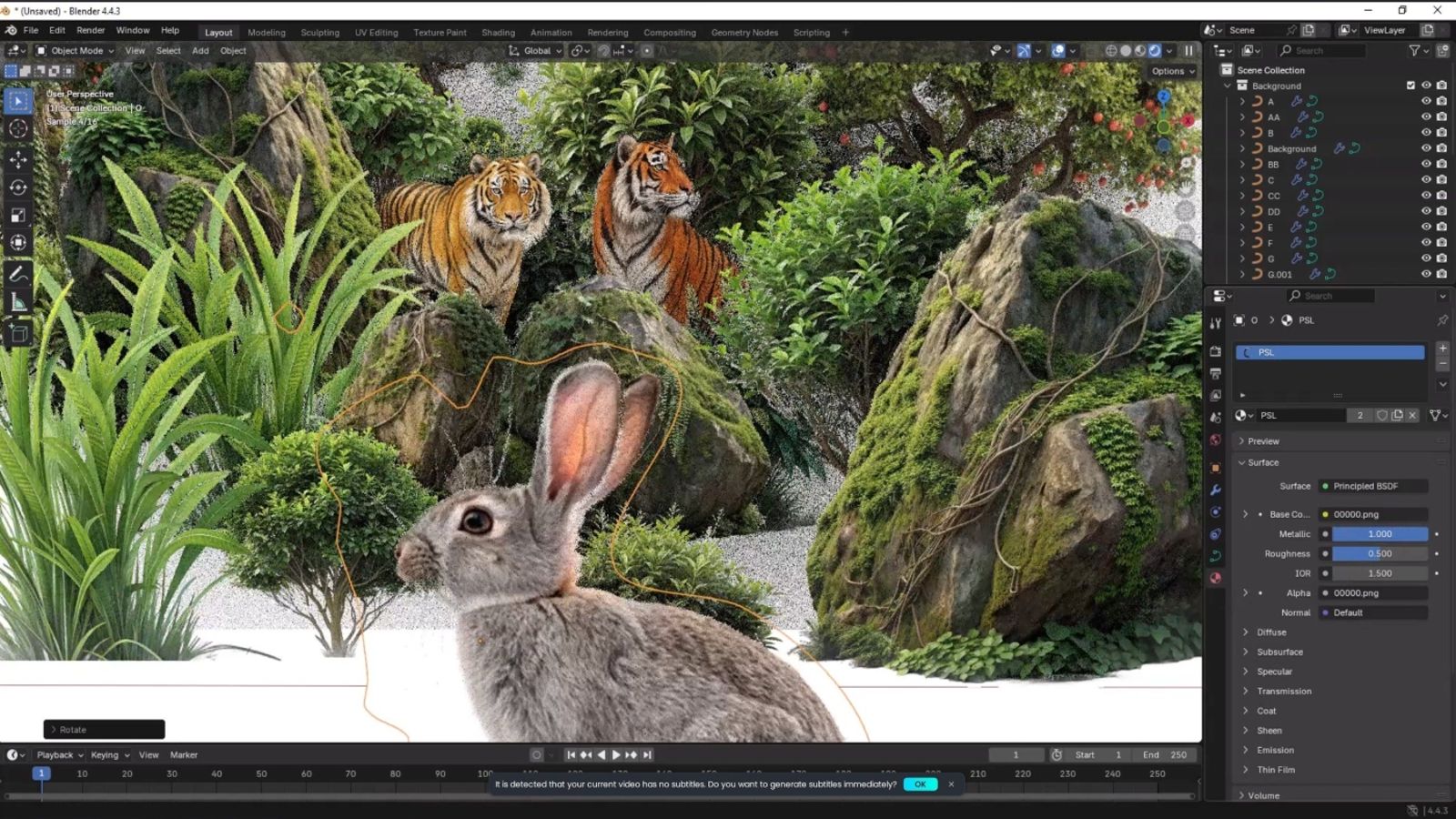
Complete layer fidelity - Imports ALL layers including Normal, Shape, and Text layers with zero data loss
-
Perfect Z-order mapping - Layers appear in the exact same depth order as your original PSD file
-
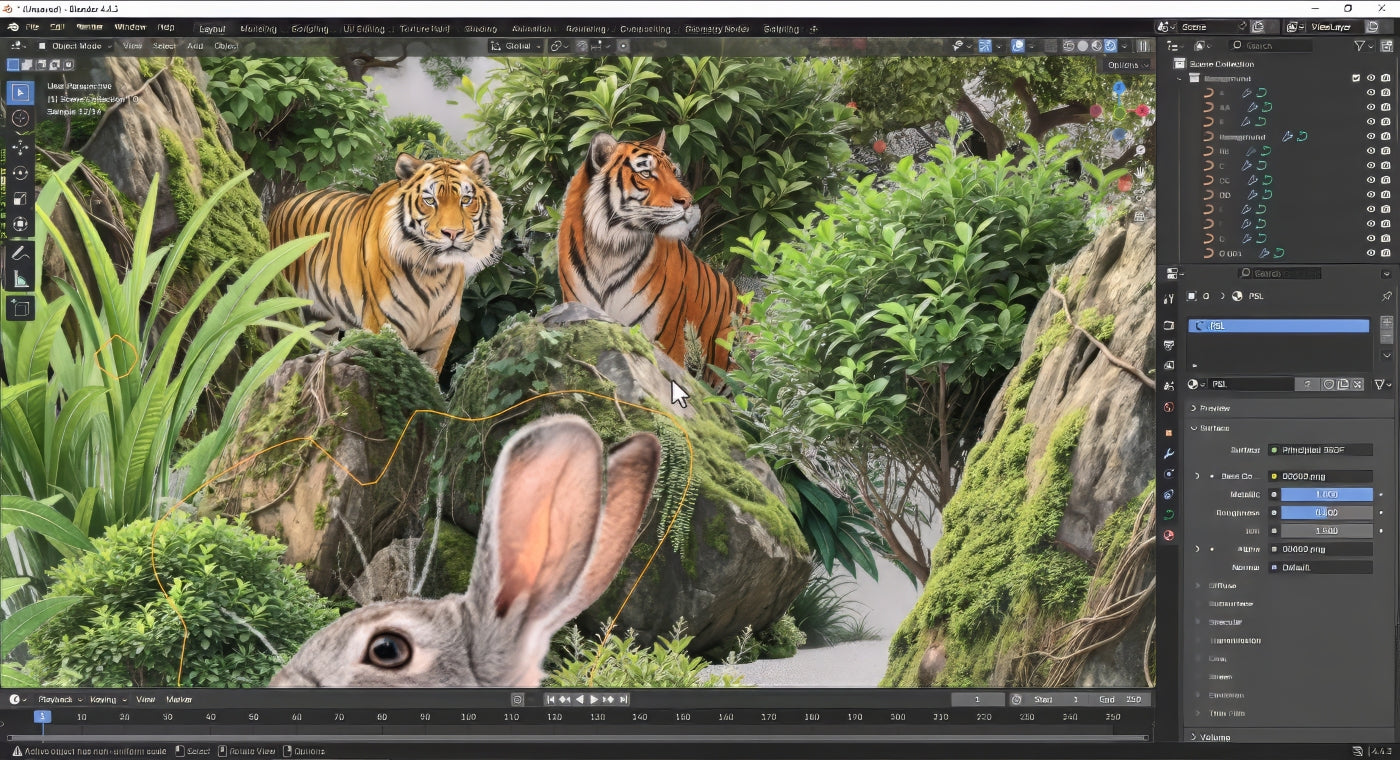
Smart layer conversion - Shape and Text layers convert to flat curves; Normal layers become textured curves
-
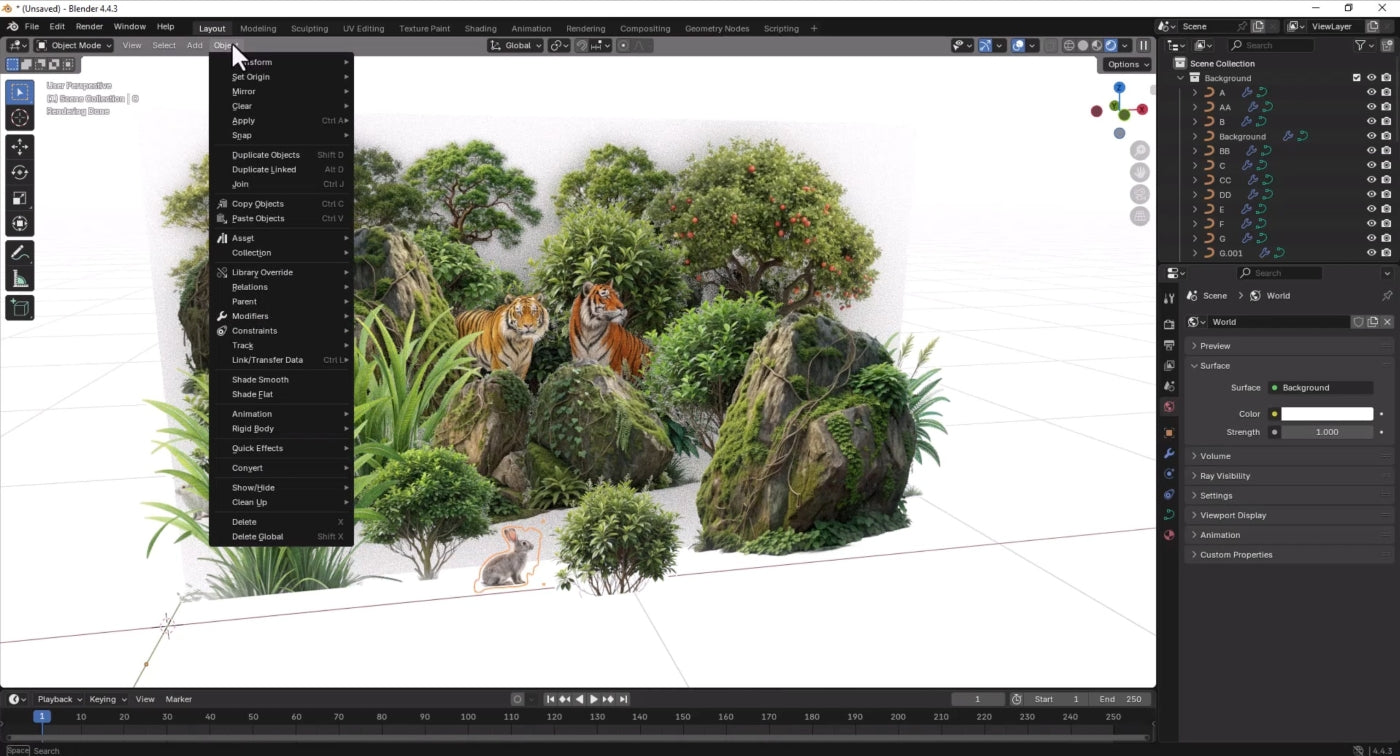
Automatic organization - Every Photoshop Group becomes a structured Blender Collection instantly
-
Cross-platform compatibility - Flawless performance on Windows and macOS
How it works: A seamless two-part system
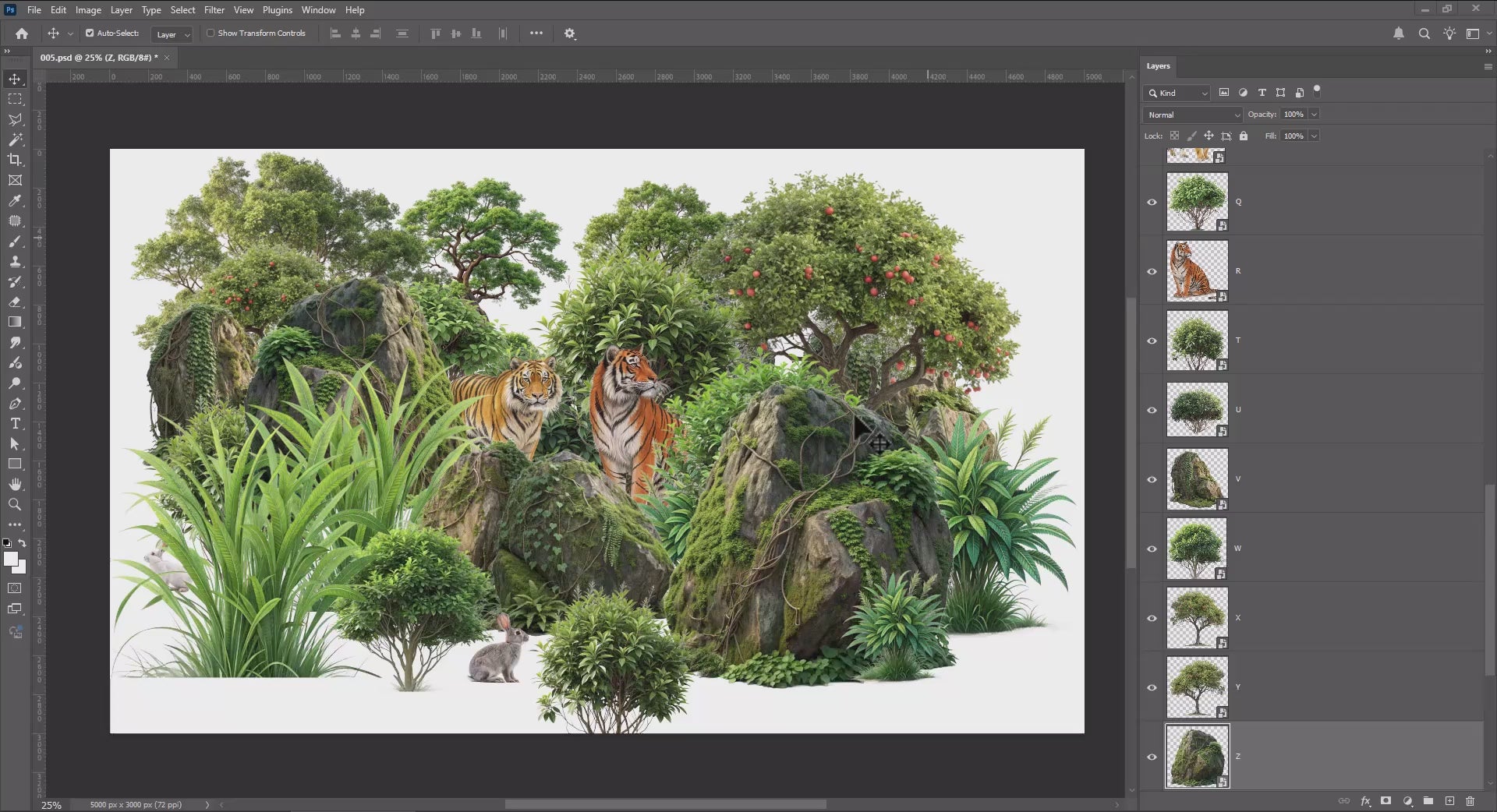
1. PSL Exporter (Photoshop Script)
- Copy the script into your Photoshop
Presets/Scripts folder
- Access via
File > Scripts > PSL Exporter
- Bundles all your Photoshop layers into a single
.psl (Photoshop Layer) file
- Transfer your complete design across drives or machines effortlessly
2. Blender Importer (Add-on)
- Install like any standard Blender extension
- Import via
File > Import > Photoshop Layer (.psl)
- One click transforms your 2D design into a fully structured 3D scene
Built by artists who understand your workflow
Following the success of our 5-star rated Blender to DAZ Studio plugin, we created this tool to solve another workflow barrier that frustrated us daily. The Photoshop to Blender Plugin is a labor of love that we actively use in our own creative process.
Staff Pick recognition on Flipped Normals validates what our community already knows: this plugin is a game-changer for 2D to 3D workflows.
What's included:
✅ One-time purchase, lifetime access
✅ Free updates forever
✅ Works with Photoshop 2025 and Blender 3.6+
✅ Windows & Mac compatible
✅ Detailed documentation & video tutorials
✅ 24-hour support response
✅ 30-Day Performance Guarantee
From concept to 3D in seconds, not hours
Stop struggling with manual layer exports. Start creating instantly with the only Photoshop to Blender solution trusted by professional artists worldwide.
Ready to transform your 2D/3D workflow?
Get the Photoshop to Blender Plugin today and reclaim your creative time!