



How This Plugin Came to Exist
I’m an artist, and for a long time I ran two separate pipelines that never quite talked to each other. Blender for modelling and rigging. DAZ Studio for rendering and scene composition. Getting work from one to the other was the part I dreaded most.
FBX export was the standard approach, and it was a disaster every single time. Armatures would collapse. Weight maps would vanish. Materials that looked perfect in Blender would arrive in DAZ Studio completely wrong — flat, broken, or missing textures entirely. Animations evaporated. I’d spend between three and eight hours on cleanup per project, and half that time I was just re-doing work I’d already done. It felt like the tools were working against me.
I couldn’t find anything on the market that actually solved this properly. So I built it myself.
That tool became the Blender to DAZ Studio Plugin. It started as a personal fix for my own workflow. Over time, with feedback from hundreds of artists who had the same problem, it became something much more complete. Version 3.8.63 is the result of that ongoing work.
What It Does
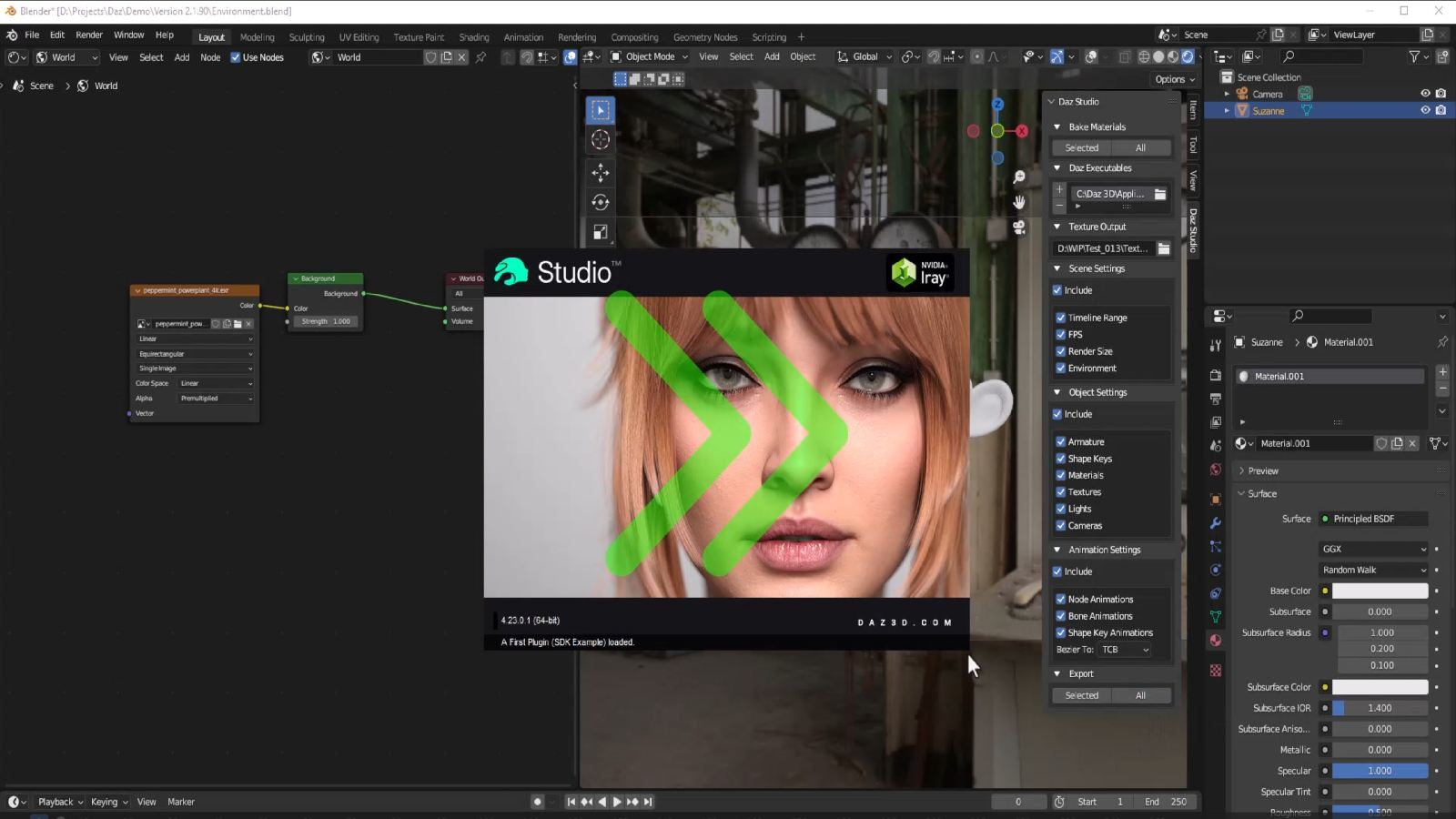
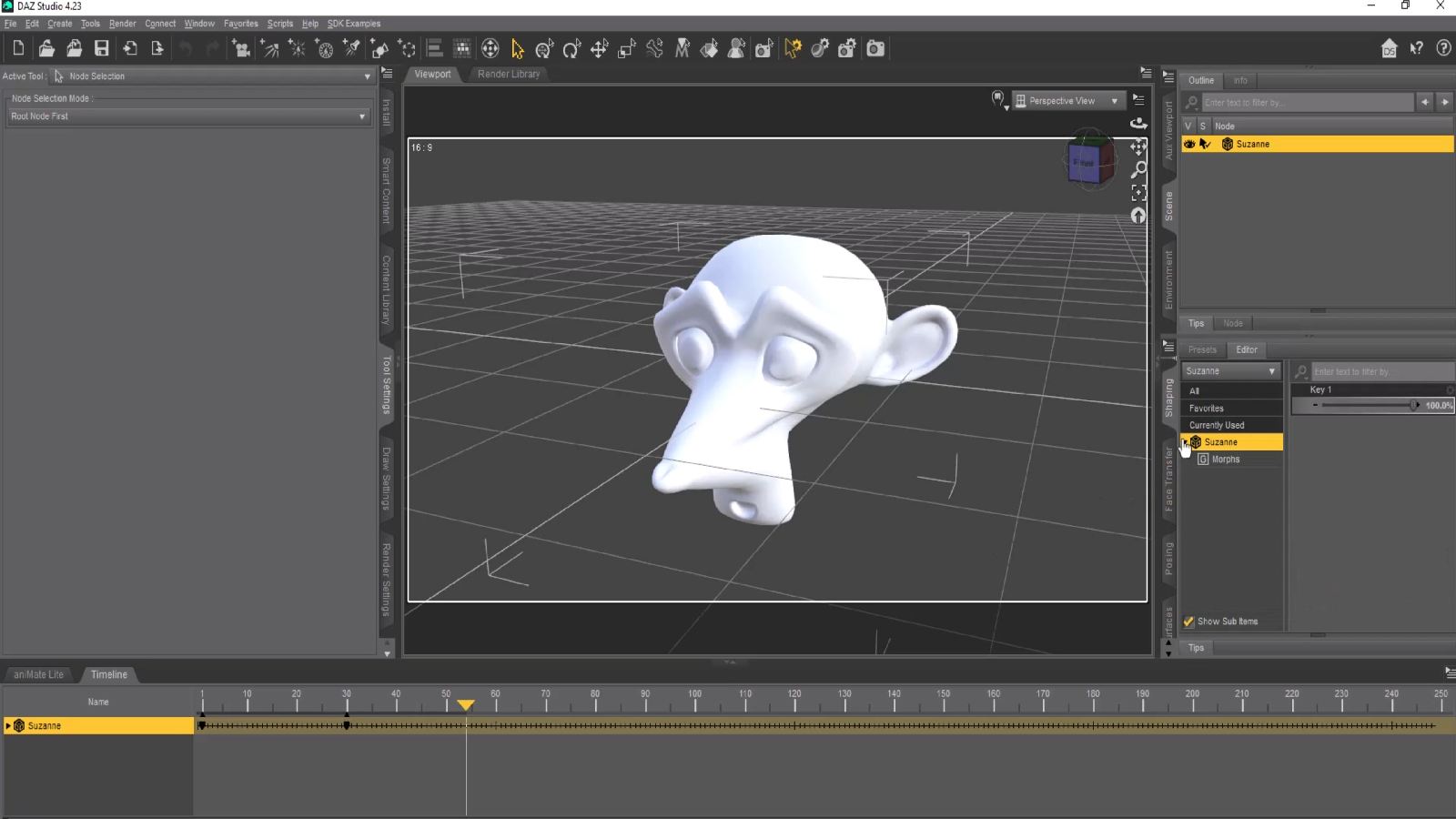
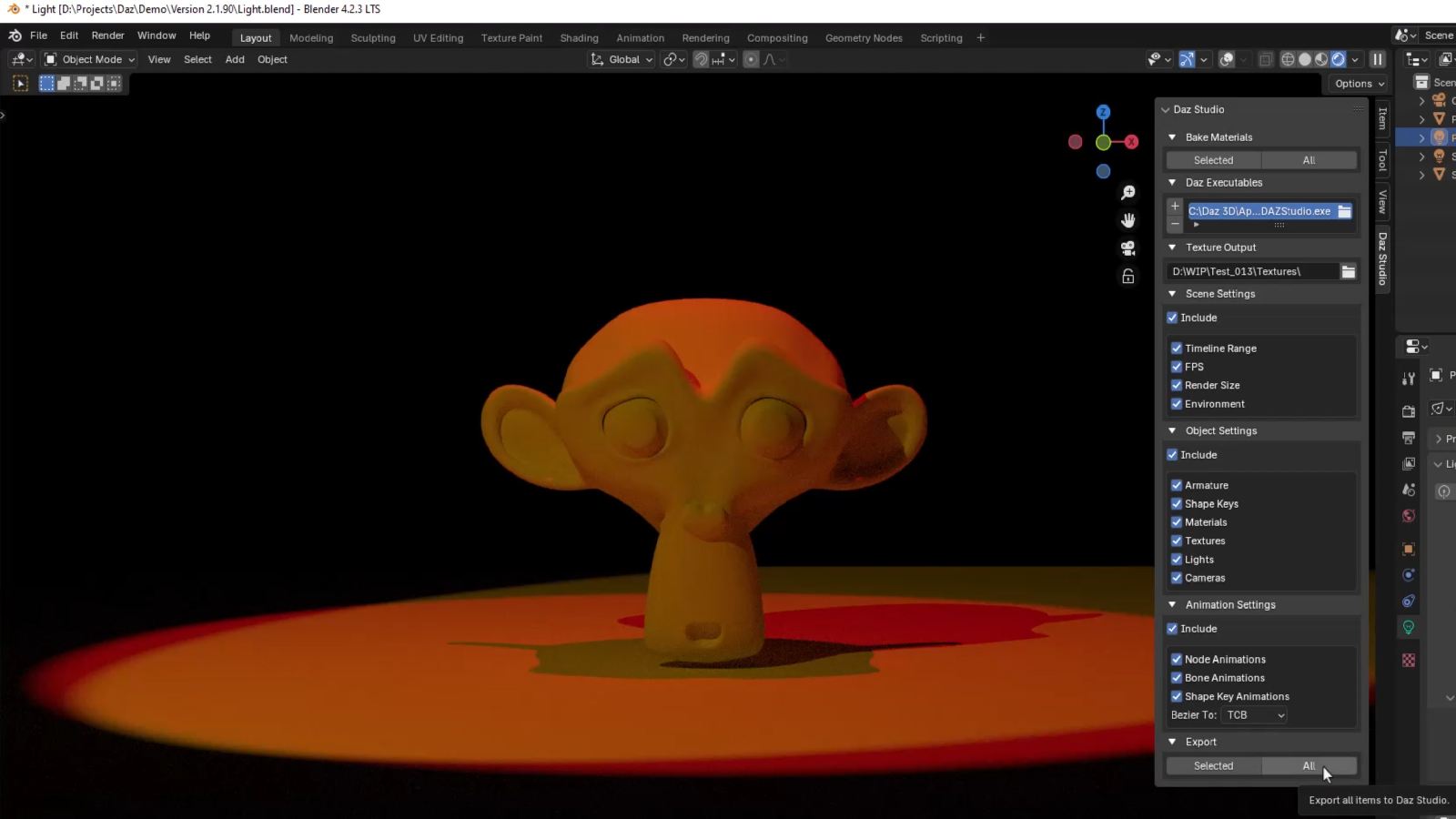
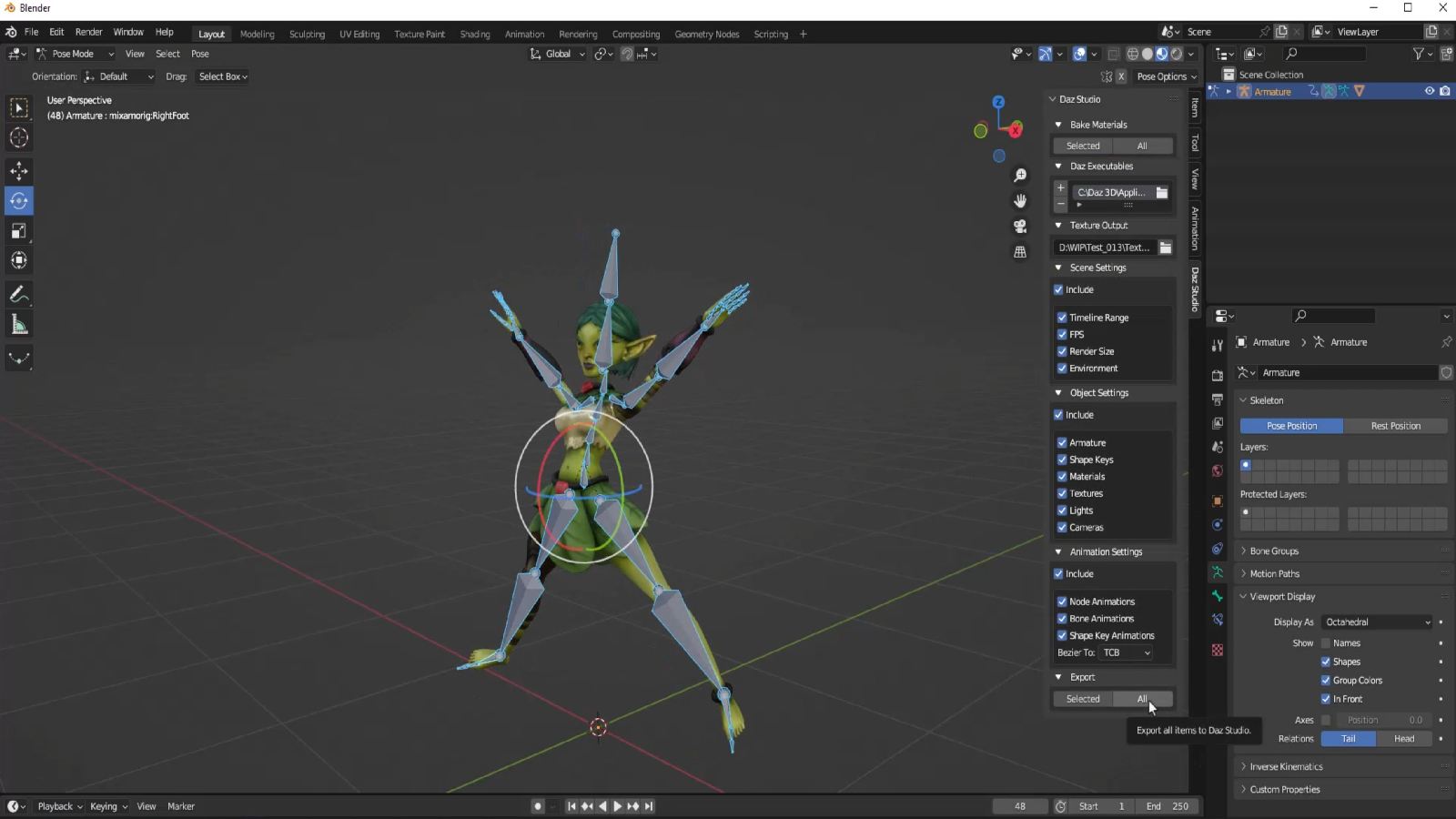
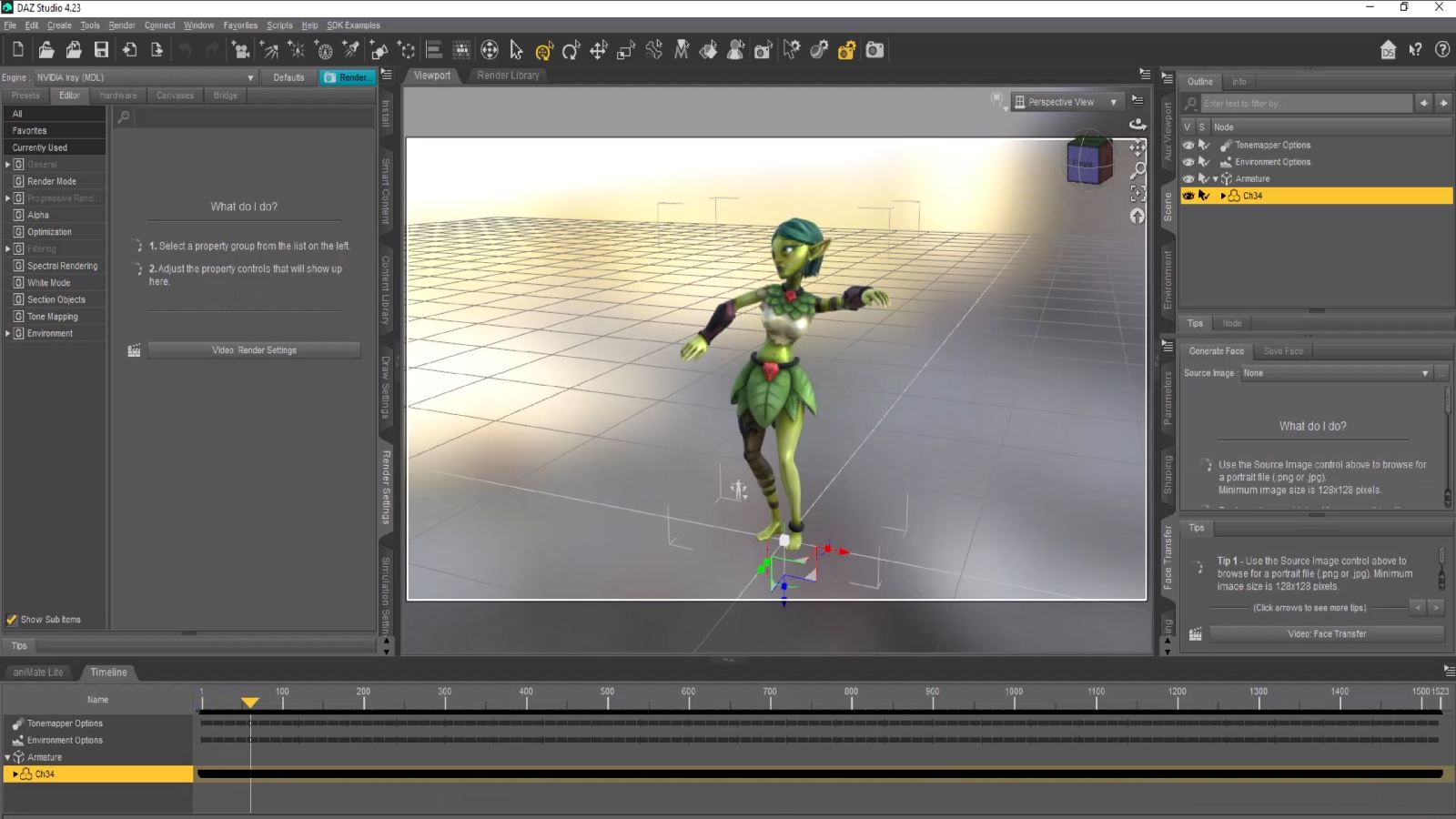
The plugin sits inside Blender as a panel. When you’re ready to export, you click one button. Your model — with everything attached to it — arrives in DAZ Studio ready to render.
Here’s what transfers across:
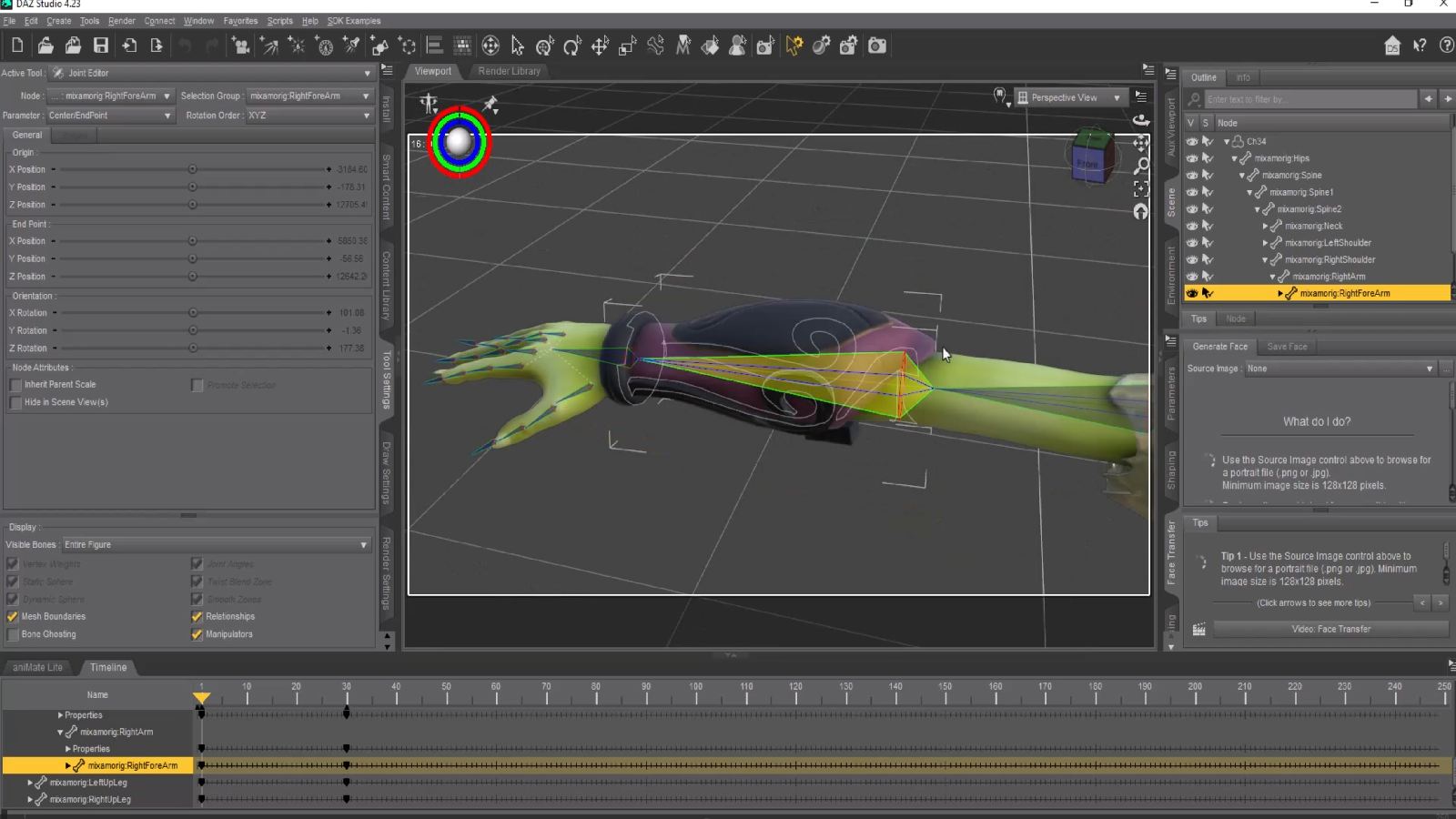
Armature and rigging- The full bone hierarchy exports intact. Weight maps come with it, so deformation behaves exactly as it did in Blender. Face groups for material zones transfer too. If you have a custom rig — any custom rig — it works. The plugin doesn’t care about the structure; it reads what you’ve built and moves it across faithfully.
Materials- This is the part that used to eat the most time. Every PrincipledBSDF material in Blender gets converted automatically to an Iray Uber shader in DAZ Studio, with all texture slots mapped correctly:
- Base Color maps to Base Color
- Metallic maps to Metallicity
- Roughness maps to Glossy Roughness
- Specular maps to Glossy Reflectivity
- Transmission maps to Refraction Weight
- Emission maps to Emission Color and Luminance
- Normal Maps stay as Normal Maps
- Alpha maps to Cutout Opacity
What you see in Blender is what you get in DAZ Studio. No manual reassignment.
Animations- Keyframe animations, skeletal animations, and shape keys all export without needing to be baked first. Timing and interpolation are preserved. Shape keys automatically become DAZ Studio morphs, which means you keep the flexibility of your original setup rather than collapsing everything into a static mesh.
Full scenes- You’re not limited to exporting individual objects. The plugin can export an entire scene at once: multiple objects, Blender lights (converted automatically to DAZ Studio lights), camera position and settings, and HDRI environment maps with accurate rotation. There’s also an option to export only objects on the active view layer if you want selective control over what goes across.
Hair and particle systems- Hair particles export as polylines, fully compatible with DAZ Studio’s hair system. Geometry node hair is supported too. Styling and distribution carry over.
Time range, frame rate, and render size- These are preserved on export so your scene arrives with the same timing and format settings you set up in Blender.
Practical Tools That Save Time
A few smaller features that add up:
Merge Textures — bakes complex node setups down into simplified texture maps. Useful when you have elaborate shader networks that don’t translate cleanly on their own. You can set custom width and height for the baked output.
Scale as Percent — precise control over the size of your export. Useful when Blender and DAZ Studio units don’t align the way you need.
Auto-Save Prompt — before any export, the plugin prompts you to save your Blender file. A small thing, but after losing work to a crash mid-export once, I made it a standard part of the flow.
Clear DAZ Scene Option — lets you start fresh with each import rather than stacking objects in an existing scene.
Progress Bar — real-time feedback during export, so you’re not staring at a frozen screen wondering if something went wrong.
Large file support and 3x faster import — the plugin is optimized for production-scale scenes. Large, complex assets import significantly faster than a standard FBX workflow.
What’s Not Supported — Please Read This First
Direct export to Genesis 3, 8 or 9 figures is not supported.
The plugin is built for custom rigs and armatures. If your primary goal is to export a Genesis 8 or Genesis 9 character from Blender to DAZ Studio, this is not the right tool for that specific use case. For everything else — custom characters, props, environments, vehicles, creatures, clothing, equipment, scenes — it works.
If you’re unsure whether your workflow is covered, send me a message before purchasing and I’ll tell you honestly.
Technical Requirements
- Blender: 3.6, 4.0, 4.1, 4.2, 4.3 and later (Blender 5 is NOT supported at present)
- DAZ Studio: 4.23 and later
- Operating System: Windows 10/11, macOS
- Material System: PrincipledBSDF (Blender) to Iray Uber (DAZ Studio)
- File Format: Native .blend to .duf
What’s Included
- Blender to DAZ Studio Plugin v3.8.63
- Comprehensive PDF documentation
- Video tutorial series (YouTube)
- Email support with a 72-hour response time
- Access to the Matronius Discord community
- Multi-computer license (single user)
30-Day Performance Guarantee
If the plugin doesn’t work as described due to a technical or compatibility issue, and we can’t resolve it within 48 hours, you get a full refund. No arguments.
I use this tool in my own production work every day. If it doesn’t work for you, I want to fix it — and if I can’t fix it, I won’t keep your money.
A Note from Me
This plugin has been downloaded by over 500 artists. It has a 5.0 rating across all reviews. I still read every piece of feedback personally and use it to shape every update. You’re not buying a product from a faceless company — you’re buying something I built because I needed it, and kept improving because people like you told me what was missing.
If you have questions, just ask. I am reachable at gio@matronius.com
Happy creating!!!
Matronius



&url=https://matronius.com/product/switchtargets-for-moho-pro-14-win-mac/&media=https://matronius.com/wp-content/uploads/2026/09/SwitchTargets-for-Moho-Pro-14-1024x1024.jpg)
&url=https://matronius.com/product/daz-studio-universal-product-installer-version-2-win-mac/&media=https://matronius.com/wp-content/uploads/2026/09/main-1024x1024.jpg)

Reviews
There are no reviews yet.